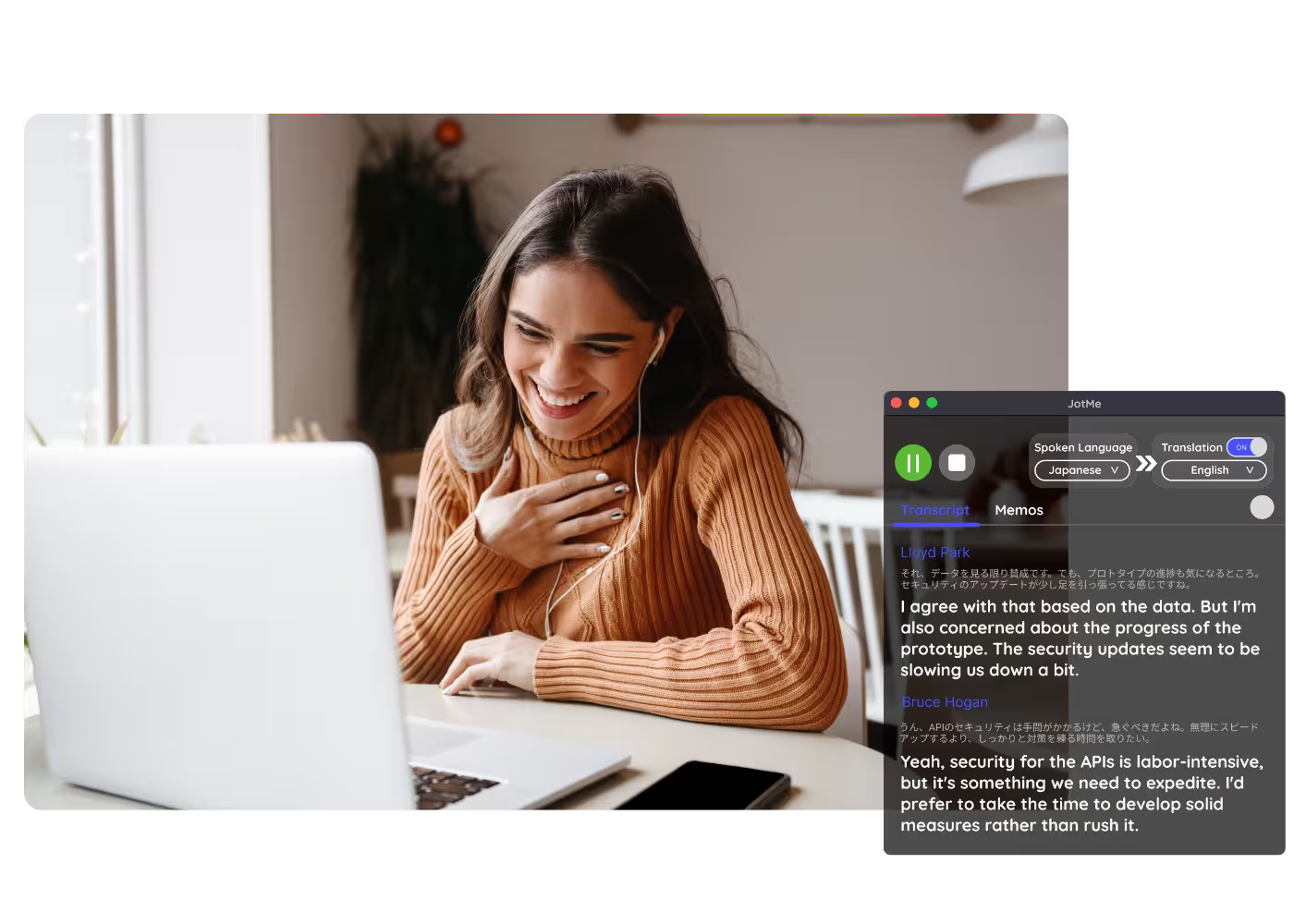
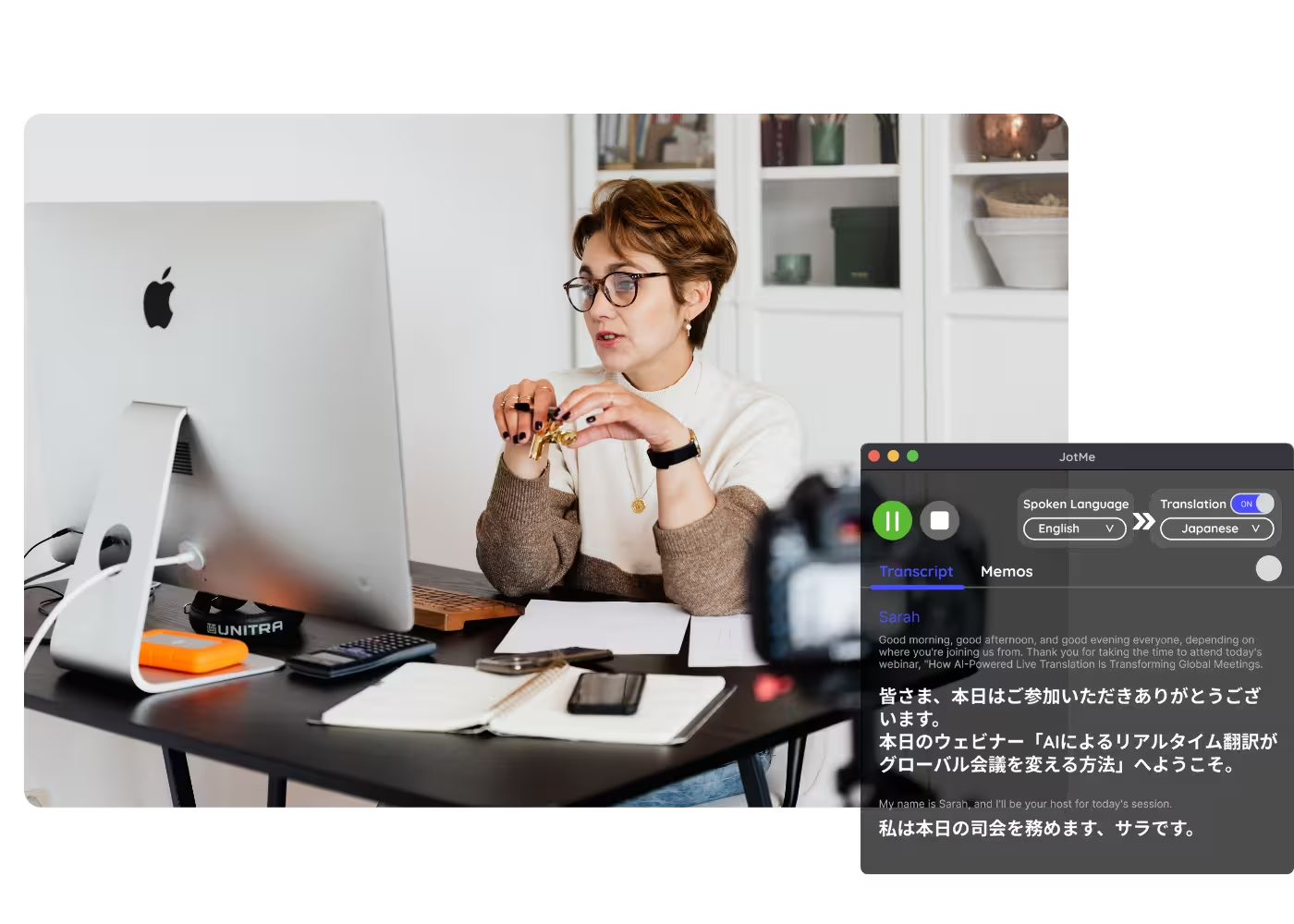
컴퓨터의 모든 통화에 대응하는데스크톱 앱

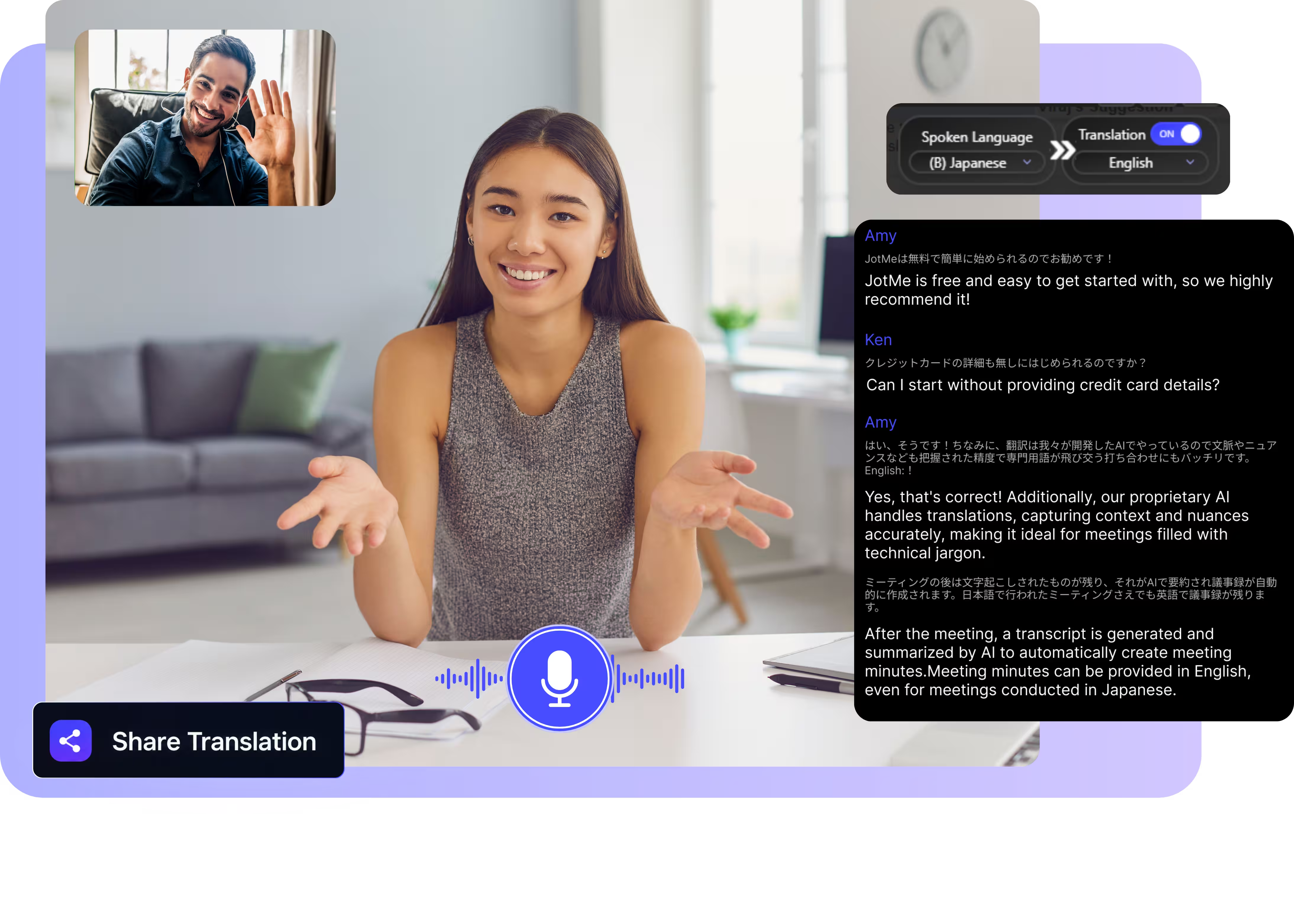
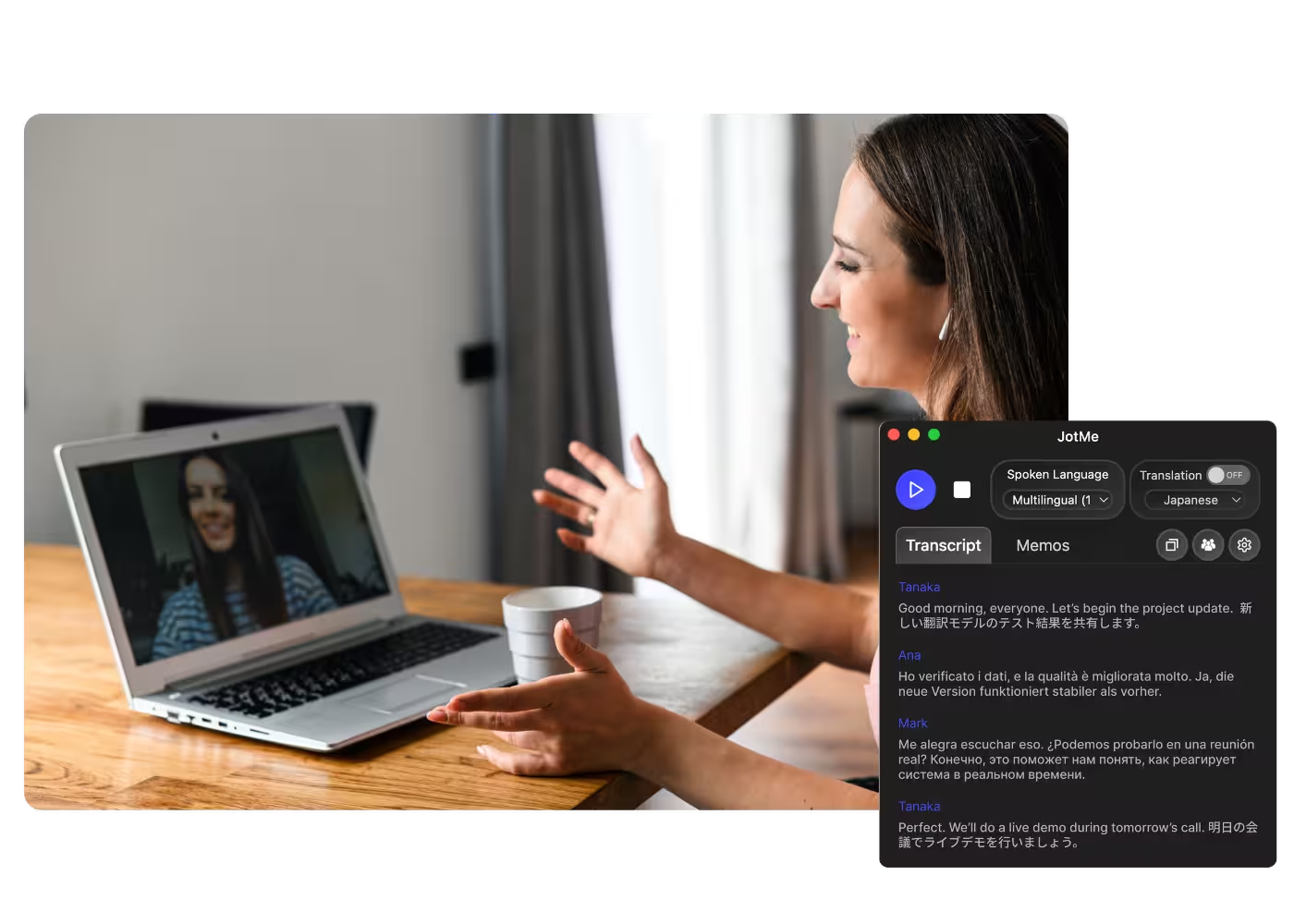
다국어 음성 텍스트 변환, 실시간 음성 번역, AI 회의록 작성, AI 검색, 실시간 요약, 사용자 정의 어휘, 음성 녹음 등을 지원.

대면 대화를 위한 모바일 앱

iPhone·Android용 실시간 음성 번역과 AI 음성 생성.

Google Meet용 Chrome 확장 프로그램

실시간 음성 텍스트 변환, 실시간 음성 번역, AI 회의록.
Chrome
에 추가
바로 체험할 수 있습니다

Signal Translation

Turn Signal voice and video calls into accurate live captions and AI-cloned voice across 200+ languages. Take the call on Signal Desktop, with nothing added to the call and nothing for the other side to install.

무료 플랜. 신용카드 정보가 필요하지 않습니다.

Select model, languages, click start and start speaking. Download the desktop app and take your Signal calls on your computer. Open the full demo.

134개국·2,000개 팀·50만 명의 비즈니스 전문가가 사용하고 있습니다

평점 4.7/5
GDPR 준수
SOC 2 Type II (진행 중)

Accurate real-time translation for Signal calls

Everything you need to talk across languages on Signal.

Context-aware, ultra-accurate

JotMe translates in context and keeps names, places, and specialized terms accurate. Every line reads the way the speaker meant it.

Voice-to-voice in your own voice

Hear the translation spoken in your own cloned voice with the fastest voice cloning available today. Your words, your voice, another language.

200+ languages, live or from a recording

Translate Signal calls across 200+ languages, live on Signal Desktop or from voice messages and recordings you upload.

Your translation is saved

JotMe saves the transcript and translation, and notes to your dashboard after every call, so a long interview stays retrievable.

No bot, no setup

JotMe captures the audio on your computer only. Nothing joins the call, nothing is added to your Signal chat, and the other person installs nothing.

Custom dictionary and auto language detection

Add names, places, and custom replacements to keep accuracy high on the vocabulary of your work. JotMe detects the spoken language automatically, so you never set it mid-call.

How to translate a Signal call

Three steps, under a minute, and nothing for the other person to install.

STEP 1

1. Download the desktop app, or upload a voice message

Get JotMe for Mac or Windows in about 30 seconds and take your Signal call on Signal Desktop. Have a voice message instead? Upload it for an accurate transcript and translation.

STEP 2

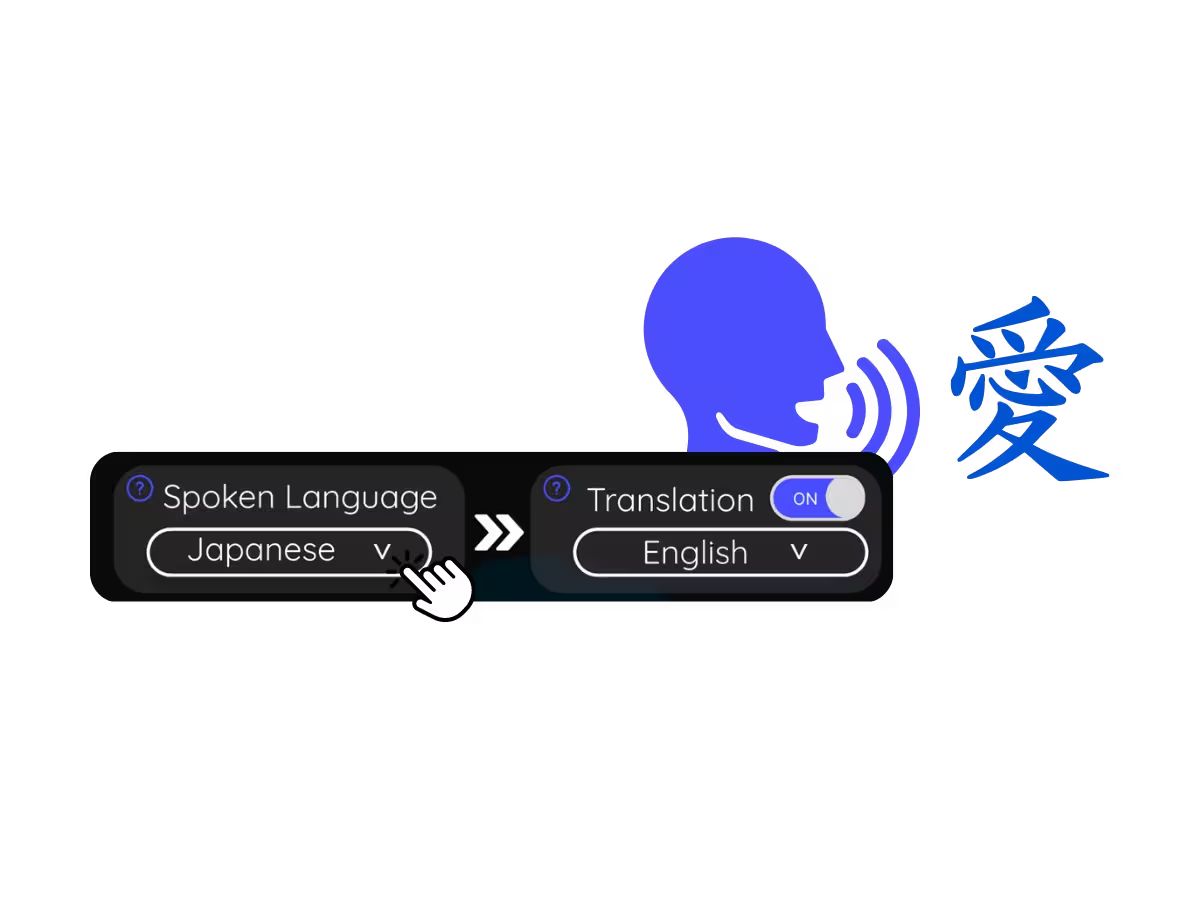
2. Set the spoken language

Choose the language being spoken on the call, for example Arabic. If people switch languages, pick multilingual mode.

STEP 3

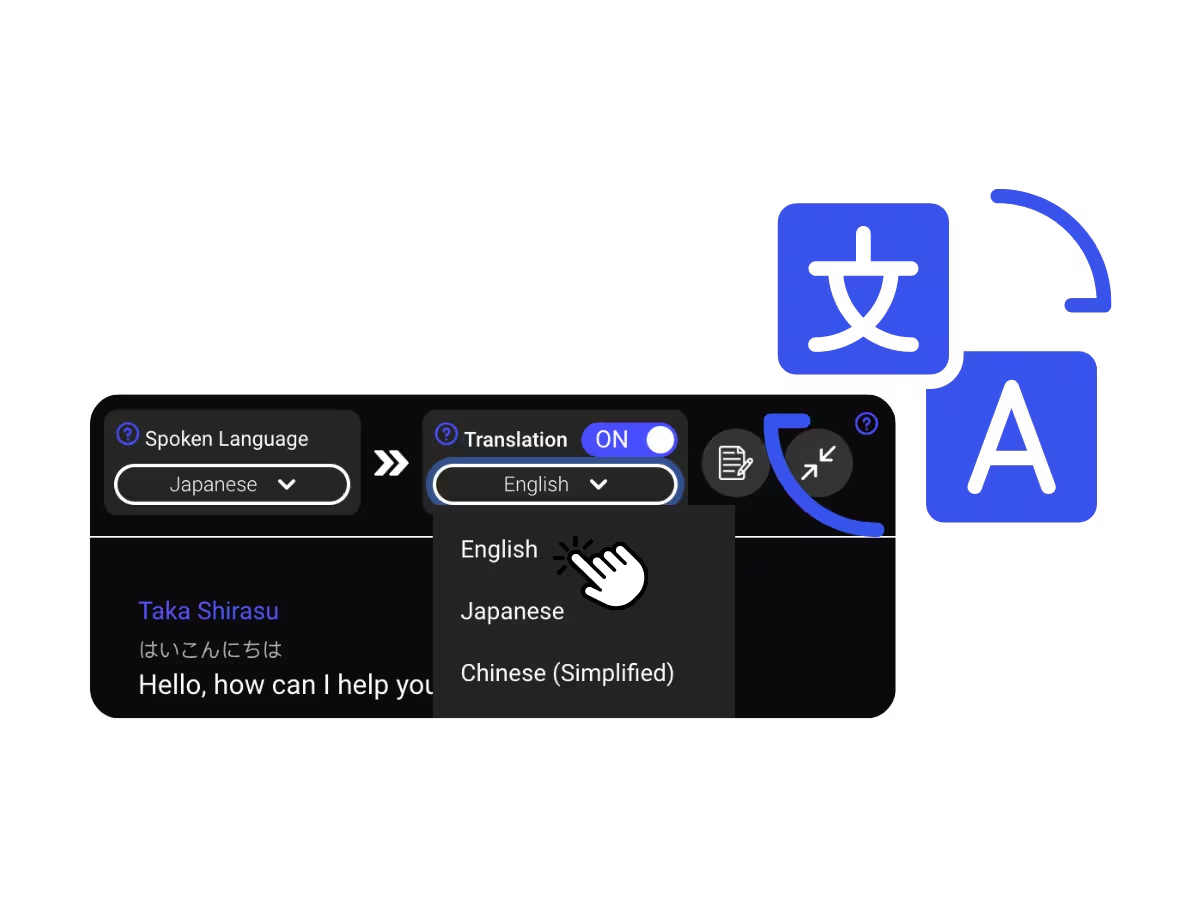
3. Set your translation language

Pick the language you want to read or hear. Accurate live captions appear on your screen, and voice-to-voice translation plays as each person speaks.

What people use Signal call translation for

Three steps, under a minute, and nothing for the other person to install.

Sensitive work across languages

Journalists, researchers, and NGOs interviewing sources in another language, translated as they speak.

Family & friends abroad

Calls with people who chose Signal, understood in real time without switching apps.

Voice messages & recordings

Upload Signal voice messages or recordings to Audio to Text and get the transcript with its translation.

Webinars & training

Share live translation with attendees via URL, QR code, or on-camera subtitles so desktop and browser participants follow along on their own screens.

See it in action

Watch JotMe translate a Signal call live, with contextual accuracy from the first sentence to the last.

50만 명 이상의 비즈니스 전문가가 JotMe로 회의·이벤트를 매끄럽게 진행하고 있습니다

다국어 운영의 격차를 해소하는 과정에서 사용자들이 JotMe로 어떤 성과를 얻고 있는지 확인해 보세요.

평점 4.7/5
평점 4.7/5
“제 업무는 번역과 문화 간의 가교 역할을 포함하기 때문에, 이 도구가 제 일상 업무에 혁신을 가져왔다고 생각합니다.”
아담스
운영 전문가 / Tiktok
“일본어는 한때 저에게 미스터리였지만, 이 제품은 문맥적 이해를 통해 일본어를 명확하고 접근하기 쉽게 만들어주었습니다.”
스타마티스
컨설턴트 / Deloitte
“JotMe는 다국어 회의를 간소화하여 빠르게 변화하는 업무 환경에서 원활한 협업을 보장합니다.”
세자르
프로그램 관리자 / Amazon
“이 이중 언어 기능은 업무 중 메모 작성을 간소화하여 시간을 절약하고 두 언어 모두에서 효율성을 높여줍니다.”
유스케
영업 관리자 / NTT
“유창하지 않은 사용자에게 필수적입니다. 실시간 번역과 정확한 녹취록으로 복잡한 회의를 간소화합니다.”
제시
소프트웨어 프리랜서
"수년간 필요했던 번역 도구 – JotMe 덕분에 이제 현실이 되었습니다!"
엘스턴
대표 겸 창업자 / Tiny.host
“제 업무는 번역과 문화 간의 가교 역할을 포함하기 때문에, 이 도구가 제 일상 업무에 혁신을 가져왔다고 생각합니다.”
아담스
운영 전문가 / Tiktok
“일본어는 한때 저에게 미스터리였지만, 이 제품은 문맥적 이해를 통해 일본어를 명확하고 접근하기 쉽게 만들어주었습니다.”
스타마티스
컨설턴트 / Deloitte
“JotMe는 다국어 회의를 간소화하여 빠르게 변화하는 업무 환경에서 원활한 협업을 보장합니다.”
세자르
프로그램 관리자 / Amazon
“이 이중 언어 기능은 업무 중 메모 작성을 간소화하여 시간을 절약하고 두 언어 모두에서 효율성을 높여줍니다.”
유스케
영업 관리자 / NTT
“유창하지 않은 사용자에게 필수적입니다. 실시간 번역과 정확한 녹취록으로 복잡한 회의를 간소화합니다.”
제시
소프트웨어 프리랜서
"수년간 필요했던 번역 도구 – JotMe 덕분에 이제 현실이 되었습니다!"
엘스턴
대표 겸 창업자 / Tiny.host

자주 묻는 질문

JotMe를 활용한 회의 및 이벤트 운영에 필요한 모든 정보를 확인하세요.

Can Signal calls be translated in real time?

Signal itself has no translation features. JotMe translates the call from your side: take it on Signal Desktop and read accurate live captions across 200+ languages, or hear the translation in your own cloned voice.

Does JotMe change or join my Signal call?

No. JotMe captures the audio locally on your computer. Nothing joins the call, and Signal's encryption between you and the other person is untouched. JotMe's AI processes the captured speech in the cloud to produce the translation.

Is Signal call translation free?

Yes. JotMe's free plan includes live translation minutes, and no credit card is required. Upgrade when you need more minutes.

How accurate is the Signal call translation?

JotMe translates with your profile, your custom dictionary, the topic at hand, and a running memory of the call feeding every line, so accuracy climbs as the call goes on and names and specialized terms land correctly.

Can I save the translated captions?

Yes. JotMe stores the transcript and translation on your dashboard, so you can review, copy, and share them after the meeting.

Can I translate Signal voice messages?

Yes. Save the voice message and upload it to Audio to Text. JotMe transcribes it and translates the transcript into the language you pick.

Is the translation captions or voice?

Live translation is shown as captions today, and fast mode can speak translations aloud. Voice-to-voice in your own cloned voice with the fastest translation AI model.

Heading

You can translate
Bulgarian
Catalan
Mandarin (Simplified
Mandarin (Traditional)
Cantonese (Traditional)
Czech, Danish
Dutch
English (US)
English (UK)
English (Australia)
English (New Zealand)
English (India)
Estonian, Finnis
French
French (Canada
German
German (Switzerland
Greek
Hindi
Hungarian
Indonesian
Italian
Japanese
Korean
Latvian
Lithuanian
Malay
Dutch (Flemish)
Norwegian
Polish
Portuguese
Portuguese (Brazil)
Portuguese (Portugal)
Romanian
Russian
Slovak
Spanish
Spanish (Latin America)
Swedish
Thai
Turkish
Ukrainian
Vietnamese

Talk on Signal in any language

Accurate live captions and your own voice during Signal calls, transcripts saved after, across 200+ languages. Nothing added to the call itself.