






Transcrição de Huddle do Slack
Transforme cada huddle do Slack em uma transcrição precisa e pesquisável em 200+ idiomas. O JotMe captura o áudio do seu computador, para que aquela conversa rápida em que o plano mudou pare de ser a que ninguém documentou.
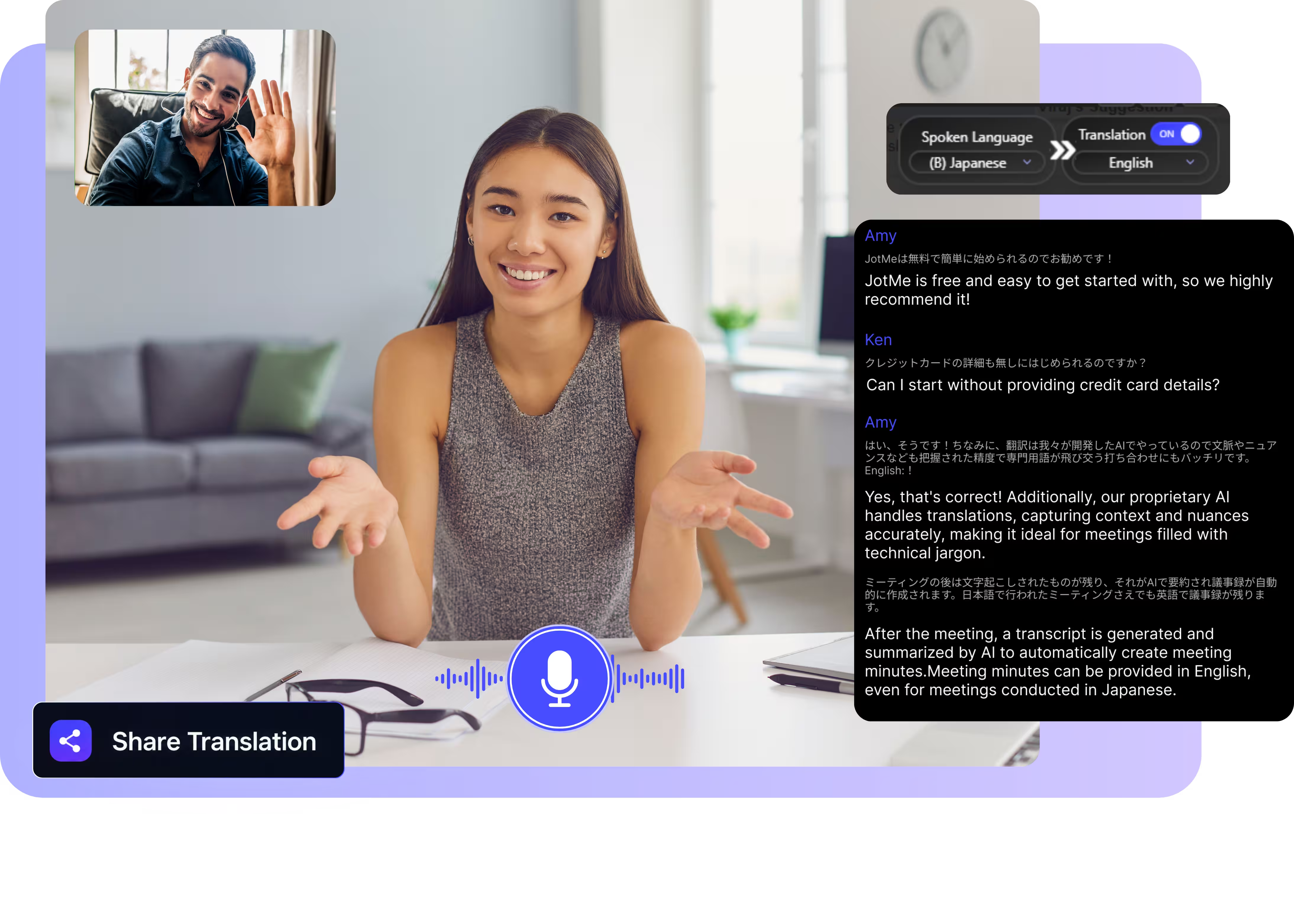
Escolha o modelo e o idioma, clique em iniciar e entre no seu huddle. O JotMe transcreve conforme as pessoas falam. Baixe o aplicativo para desktop para usá-lo com o Slack. Abra a demonstração completa.
Usado por 2.000 equipes e 500.000 profissionais em 134 países

















Transcrição precisa para huddles do Slack
Tudo o que uma conversa espontânea precisa para virar um registro documentado.

Consciente do contexto, ultra preciso
O JotMe transcreve considerando o contexto e mantém nomes, números de chamado e o jargão do time sempre certos. Cada linha se lê exatamente como a pessoa falou.

Pesquise e pergunte sobre suas reuniões
Pergunte ao JotMe qualquer coisa dita no huddle e consulte termos desconhecidos na hora. Sem precisar voltar a gravação inteira.

200+ idiomas, ao vivo ou a partir de uma gravação
Transcreva huddles em 200+ idiomas, ao vivo enquanto você fala ou a partir de uma gravação que você envia depois.
Sua transcrição fica salva
Quando o huddle termina, o JotMe salva cada transcrição no seu dashboard, para que as decisões continuem prontas para citar no canal.

Sem bot, sem configuração
O JotMe captura o áudio do huddle direto do seu computador. Nenhum bot entra no canal, nenhuma aprovação do admin da workspace é necessária, e não há nada para os colegas instalarem.

Dicionário personalizado e detecção automática de idioma
Adicione nomes de repositórios, prefixos de chamados e substituições personalizadas para manter a precisão alta no vocabulário do time. O JotMe detecta o idioma falado automaticamente, então você nunca precisa configurá-lo quando alguém entra no meio da conversa.
Como transcrever um huddle do Slack
Três passos, em menos de um minuto, sem nenhum chamado para o admin.
1. Baixe o aplicativo para desktop, ou envie uma gravação
Baixe o JotMe para Mac ou Windows em cerca de 30 segundos e entre no huddle como de costume. Tem uma gravação? Envie-a para Áudio para Texto e receba a mesma transcrição precisa.
2. Defina o idioma falado
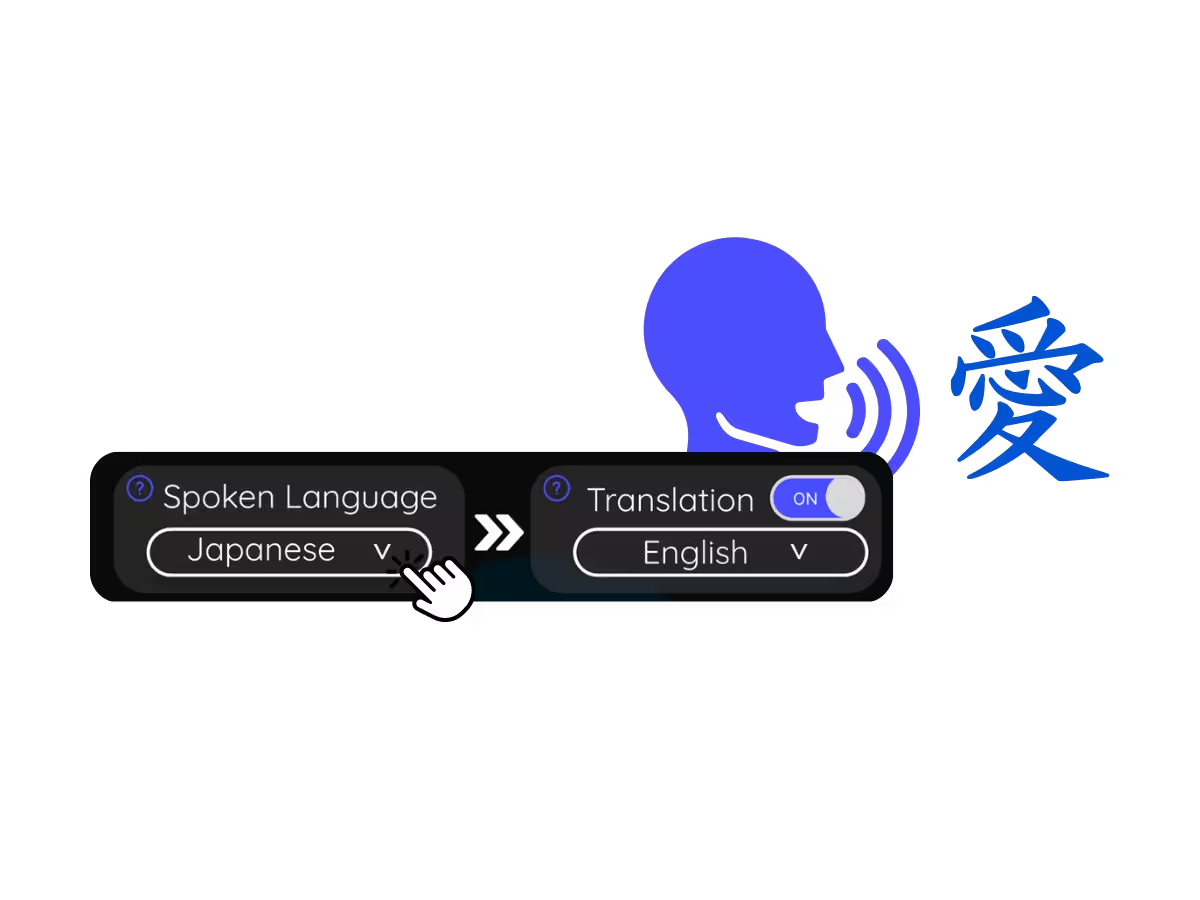
Escolha o idioma que está sendo falado no huddle, por exemplo português. Se as pessoas alternarem entre idiomas, selecione o modo multilíngue.
3. Leia, pesquise e compartilhe a transcrição
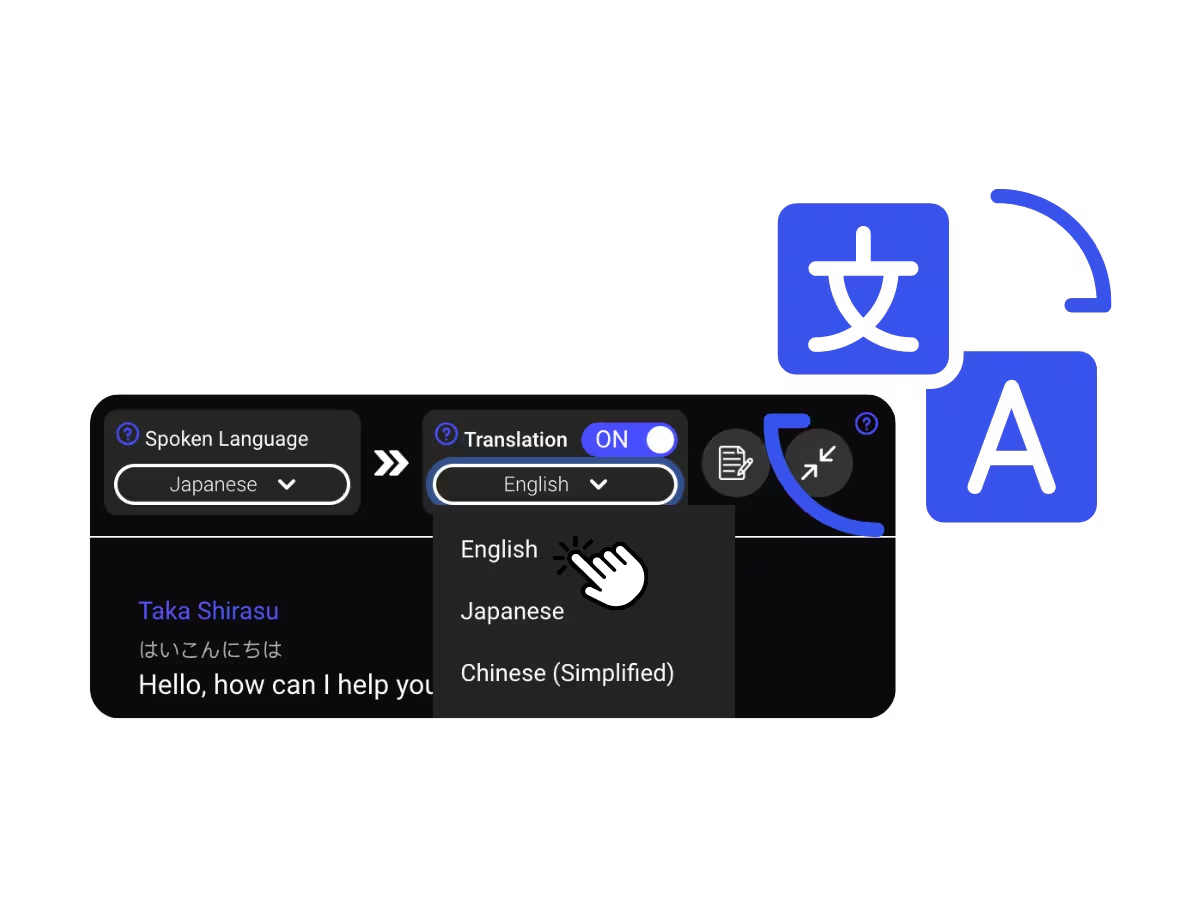
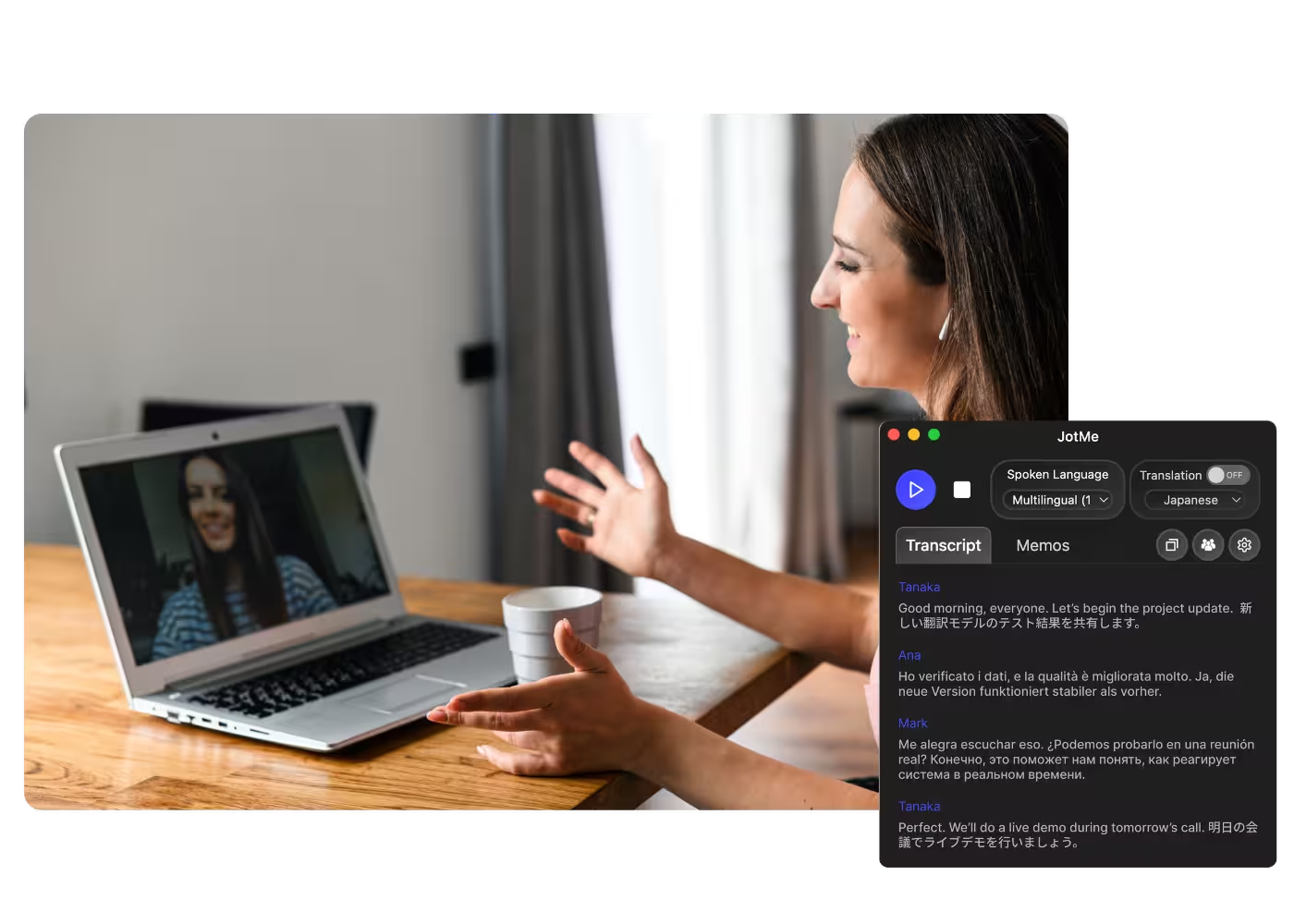
A transcrição ao vivo rola conforme cada pessoa fala, com os nomes dos locutores anexados. O JotMe salva tudo no seu dashboard, pronto para pesquisar, traduzir e compartilhar.
Para que as pessoas usam a transcrição de huddle do Slack
De um huddle de debug de 5 minutos a uma daily, o JotMe coloca cada conversa espontânea no registro.
Decisões espontâneas, documentadas
O huddle de 5 minutos em que o plano mudou agora tem uma transcrição que você pode citar no canal.

Dailies e syncs rápidos
Huddles diários transcritos com nomes e números de chamado capturados corretamente, pesquisáveis na próxima sprint.
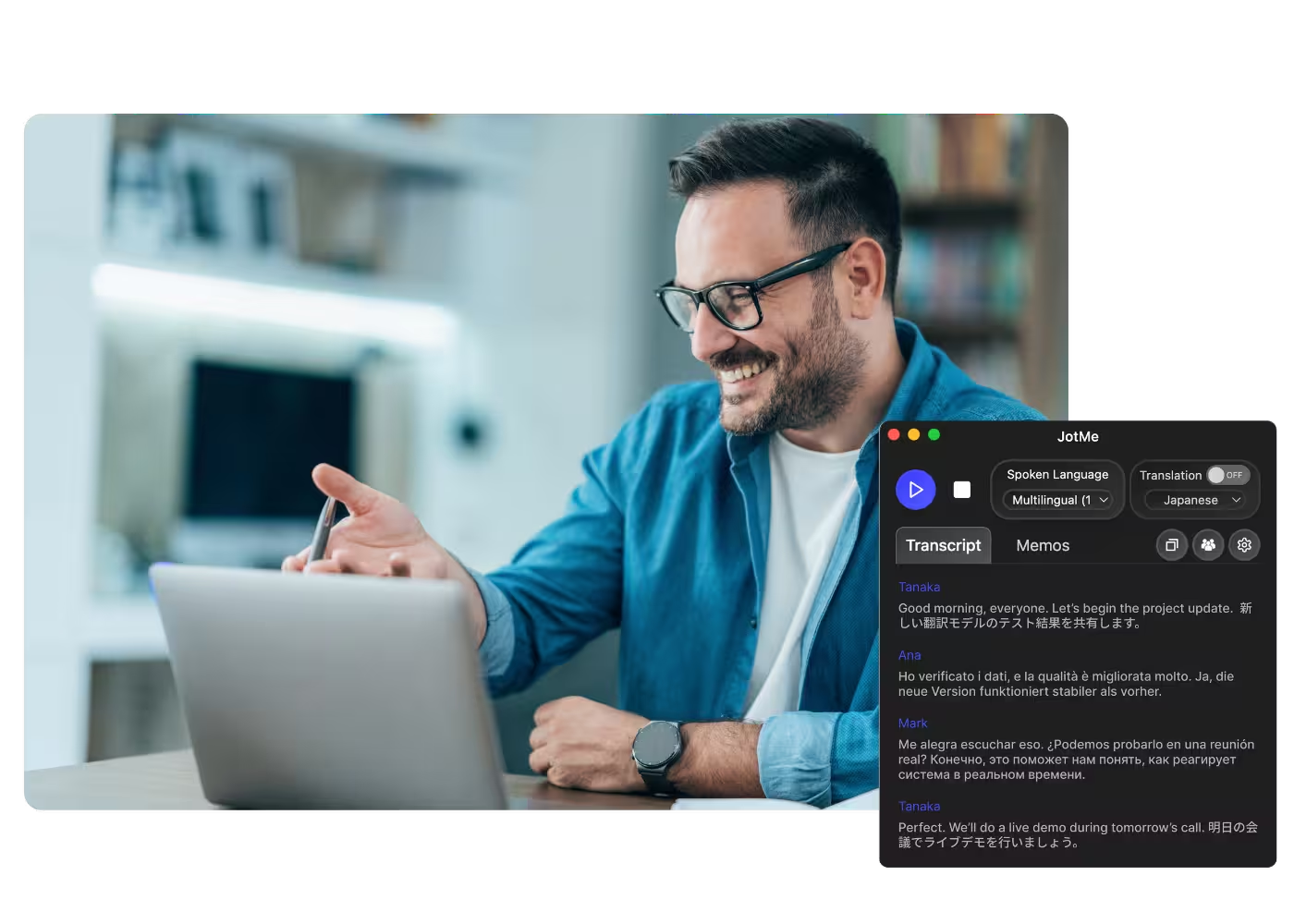
Huddles gravados e clipes
Envie gravações de huddles ou clipes do Slack para Áudio para Texto e receba a mesma transcrição pesquisável.
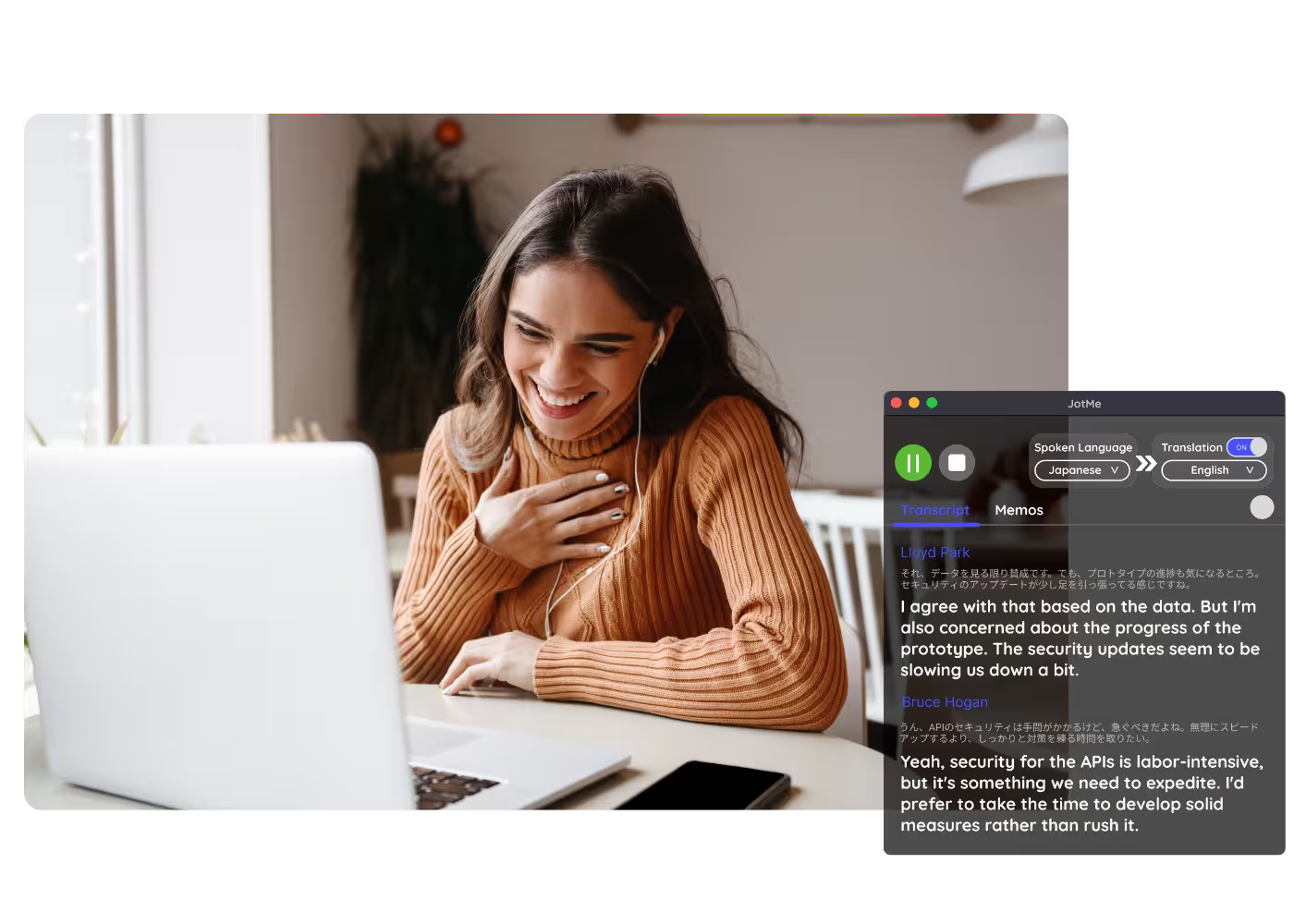
Conformidade e documentação
Mantenha um registro pesquisável do que foi acordado, acessível a qualquer momento no seu dashboard.
Veja em ação
Assista ao JotMe transcrever um huddle do Slack ao vivo, locutor por locutor, enquanto a conversa avança.
Mais de 500.000 profissionais reuniões e conduzem reuniões e eventos com o JotMe
Veja como usuários estão usando o JotMe para eliminar lacunas em operações multilíngues.








Perguntas frequentes
Tudo o que você precisa saber sobre como realizar reuniões e eventos com o JotMe.
Sim. O JotMe transcreve huddles ao vivo a partir do áudio do seu computador, sem nenhum bot no canal. Você recebe a transcrição completa e precisa, salva e pesquisável.
As notas de huddle do Slack fazem parte do add-on de IA pago e geram um resumo com links, não uma transcrição completa. Com o JotMe você recebe a transcrição completa ao vivo, em 200+ idiomas, em qualquer plano do Slack.
Sim. O plano gratuito do JotMe inclui minutos de transcrição, e não é preciso cartão de crédito. Faça upgrade quando precisar de mais.
O JotMe transcreve usando o seu perfil, o seu dicionário personalizado, o trabalho em andamento e uma memória contínua do huddle alimentando cada linha, então a precisão aumenta conforme a conversa avança e nomes e termos técnicos saem corretos.
Sim. As transcrições ficam salvas no seu dashboard, onde você pode pesquisá-las, fazer perguntas sobre a reunião, traduzi-las e compartilhá-las.
Não. O JotMe roda apenas no seu computador e captura o áudio localmente. Ninguém mais vê um bot, recebe um aviso ou instala um aplicativo.
Sim. Ative a tradução ao vivo para acompanhar a reunião no seu idioma, e receba notas de IA com um resumo e itens de ação quando ela terminar.
Heading

Cada huddle, no registro
Transcrições precisas ao vivo em 200+ idiomas, salvas e pesquisáveis, sem nenhum bot no seu canal. Pare de perder decisões em conversas espontâneas.