







Tradução do Discord
Traduza canais de voz e chamadas do Discord em legendas em tempo real e voz clonada por IA, em 200+ idiomas. Bots de tradução só funcionam no chat de texto; o JotMe traduz as vozes.
Plano gratuito. Não é necessário cartão de crédito.
.avif)
Selecione o modelo e os idiomas, clique em iniciar e comece a falar. A IA do JotMe melhora a qualidade da tradução enquanto você fala. Baixe o aplicativo para desktop para usar no Discord. Abra a demonstração completa.
Usado por 2.000 equipes e 500.000 profissionais em 134 países



.avif)





.avif)


.avif)


.svg)
Avaliado em 4.7/5


Em conformidade com o GDPR
.avif)
SOC 2 Tipo II (Em Andamento)
Tradução de voz para canais e chamadas do Discord
Tudo o que você precisa para falar e entender qualquer idioma no Discord.
.avif)
Tradução com contexto, ultraprecisa
O JotMe traduz o significado, não palavra por palavra. Cada frase considera quem está falando, em que a sua equipe está trabalhando, o que já foi dito na conversa, os seus termos personalizados e como a frase se conecta à anterior. Gírias, jargões e termos técnicos saem certos.

Voz a voz com a sua própria voz
Ouça a tradução falada na sua própria voz clonada, com a clonagem de voz mais rápida disponível hoje. Suas palavras, na sua voz, em outro idioma.

200+ idiomas, ao vivo ou de uma gravação
Traduza canais de voz do Discord para 200+ idiomas, em mais de 39.000 combinações. Ao vivo em qualquer canal ou chamada, ou em uma gravação que você enviar.
Sua tradução fica salva
Transcrição, tradução e notas são salvas no seu painel depois de cada sessão, então nada se perde quando o canal esvazia.
Sem bot, sem configuração
O JotMe roda no seu computador e captura o áudio do canal localmente: não precisa convidar bot, dar permissões no servidor nem pedir para ninguém instalar nada.
.avif)
Dicionário personalizado e detecção automática de idioma
Melhore a precisão com termos do seu setor e substituições personalizadas. O JotMe também detecta o idioma falado automaticamente, então você nunca precisa ajustá-lo no meio da sessão.
Como traduzir canais de voz do Discord
Três passos, em menos de um minuto. Sem convidar bot, sem permissões de servidor. Tem uma gravação? Envie o arquivo.
PASSO 1
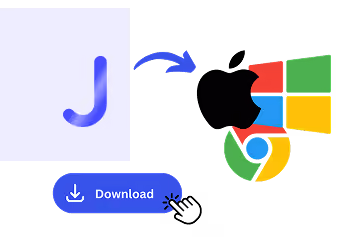
1. Baixe o aplicativo para desktop ou envie uma gravação
Instale o JotMe no Mac ou no Windows em cerca de 30 segundos. Tem uma sessão gravada? Envie o arquivo para transcrever e traduzir.
PASSO 2
2. Defina o idioma falado
Escolha o idioma que está sendo falado no canal, por exemplo, inglês. Se as pessoas alternarem entre idiomas, escolha o modo multilíngue.

PASSO 3
3. Defina o idioma da tradução
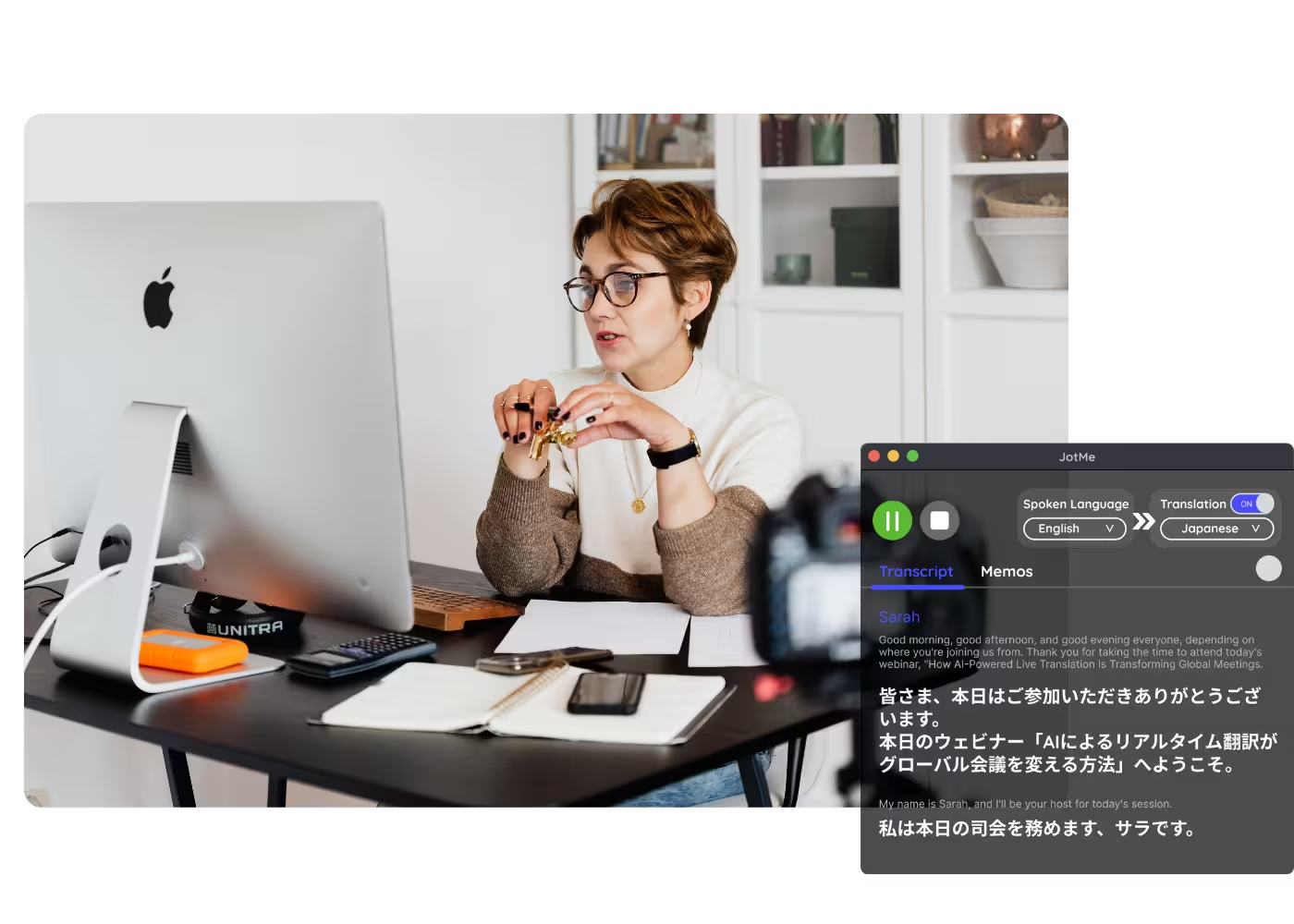
Escolha o idioma em que você quer ler ou ouvir. As legendas ao vivo aparecem na sua tela, e a tradução voz a voz fala na sua própria voz clonada enquanto todos conversam.

O que as pessoas traduzem no Discord
De reuniões diárias a eventos com toda a comunidade, o JotMe mantém todo mundo dentro da conversa.
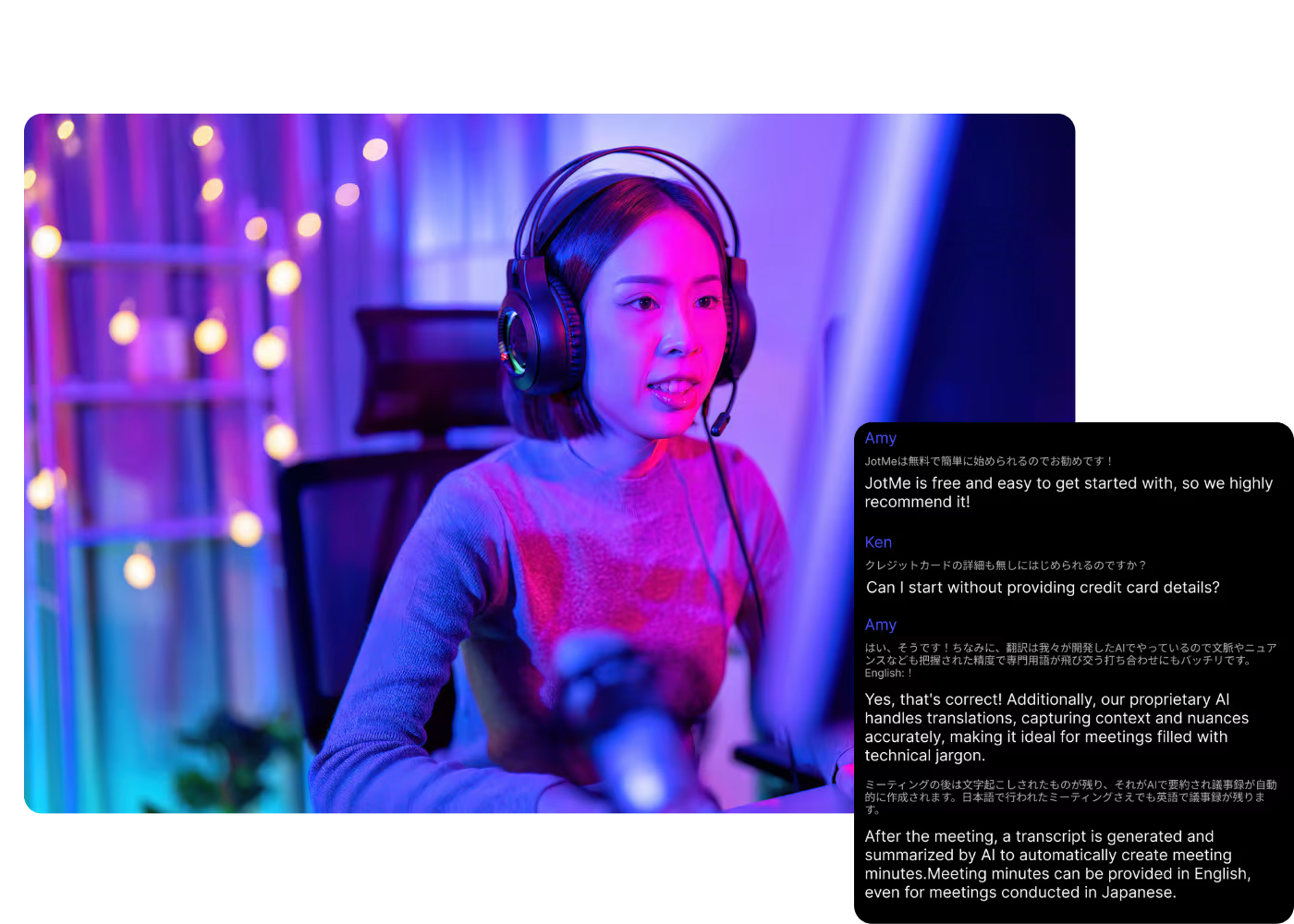
Squads internacionais de games
Jogue com colegas de equipe que falam outros idiomas e acompanhe as jogadas e o shot-calling ao vivo.
Comunidades e servidores globais
Participe de eventos de voz, AMAs e palcos em servidores internacionais sem perder nada da conversa.
.avif)
Sessões gravadas
Sem tempo de traduzir ao vivo? Envie a gravação para o Áudio para texto ou o Vídeo para texto para traduzir uma sessão do Discord, com transcrição precisa, tradução e notas de IA.
.avif)
Trabalho remoto no Discord
Equipes que fazem reuniões diárias em canais de voz recebem legendas, transcrições e notas como em qualquer app de reunião.
Veja na prática
Assista ao JotMe traduzindo um canal de voz do Discord ao vivo, da fala para o seu idioma em tempo real.
Mais de 500.000 profissionais reuniões e conduzem reuniões e eventos com o JotMe
Veja como usuários estão usando o JotMe para eliminar lacunas em operações multilíngues.
Avaliado em 4.7/5

Avaliado em 4.7/5
"Como meu trabalho envolve tradução e conexão de culturas, considerei esta ferramenta um divisor de águas no meu dia a dia."

Adams
Especialista em Operações / Tiktok
"O japonês já foi um mistério para mim, mas este produto o tornou claro e acessível com compreensão contextual."

Stamatis
Consultor / Deloitte
"O JotMe otimiza nossas reuniões multilíngues, garantindo uma colaboração fluida em nosso ambiente de trabalho dinâmico."

Cesar
Gerente de Programa / Amazon
"Este recurso bilíngue otimiza a tomada de notas no trabalho, economizando tempo e aumentando a eficiência em ambos os idiomas."

Yusuke
Gerente de Vendas / NTT
"Essencial para quem não domina o idioma; simplifica reuniões complexas com tradução em tempo real e transcrições precisas."

Jesse
Freelancer de Software
"A ferramenta de tradução que precisávamos há anos – agora uma realidade com o JotMe!"

Elston
CEO e Fundador / Tiny.host
"Como meu trabalho envolve tradução e conexão de culturas, considerei esta ferramenta um divisor de águas no meu dia a dia."
Adams
Especialista em Operações / Tiktok
"O japonês já foi um mistério para mim, mas este produto o tornou claro e acessível com compreensão contextual."
Stamatis
Consultor / Deloitte
"O JotMe otimiza nossas reuniões multilíngues, garantindo uma colaboração fluida em nosso ambiente de trabalho dinâmico."
Cesar
Gerente de Programa / Amazon
"Este recurso bilíngue otimiza a tomada de notas no trabalho, economizando tempo e aumentando a eficiência em ambos os idiomas."
Yusuke
Gerente de Vendas / NTT
"Essencial para quem não domina o idioma; simplifica reuniões complexas com tradução em tempo real e transcrições precisas."
Jesse
Freelancer de Software
"A ferramenta de tradução que precisávamos há anos – agora uma realidade com o JotMe!"
Elston
CEO e Fundador / Tiny.host

Perguntas frequentes
Tudo o que você precisa saber sobre como realizar reuniões e eventos com o JotMe.
O Discord traduz canais de voz?
Os bots de tradução do Discord só funcionam no chat de texto. O JotMe traduz a voz em si: ele roda no seu computador e mostra legendas traduzidas ao vivo, ou a sua voz clonada, em qualquer canal de voz ou chamada, em 200+ idiomas.
Posso traduzir uma sessão gravada do Discord?
Sim. Envie a gravação para o Áudio para texto ou o Vídeo para texto e o JotMe transcreve o arquivo, traduz a transcrição e gera notas de IA — o mesmo resultado de uma reunião ao vivo.
O tradutor para Discord é grátis?
Sim. O plano gratuito do JotMe inclui minutos de tradução ao vivo, sem precisar de cartão de crédito. Faça upgrade quando precisar de mais minutos.
Qual é a precisão da tradução no Discord?
O JotMe traduz com cinco camadas de contexto: seu perfil, o tema do canal, a memória em tempo real do que já foi dito, seus termos personalizados e a conexão de cada frase com a anterior — assim as legendas e a voz clonada continuam precisas. E a tradução fica ainda melhor ao longo da sessão.
Posso salvar as legendas traduzidas?
Sim. O JotMe guarda a transcrição e a tradução no seu painel, para você revisar, copiar e compartilhar tudo depois da sessão.
Quais idiomas o JotMe suporta no Discord?
O JotMe transcreve 200+ idiomas falados no Discord e traduz para 200+ idiomas de destino. Veja a lista completa na página de idiomas disponíveis.
A tradução aparece em legendas ou em voz?
Hoje a tradução ao vivo aparece como legendas na tela, e o modo rápido pode falar as traduções em voz alta. Já a tradução voz a voz fala na sua própria voz clonada, com o modelo de IA de tradução mais rápido que existe.

Fale no Discord em qualquer idioma
O tradutor para Discord que funciona na voz: legendas ao vivo e a sua própria voz clonada em canais e chamadas, em 200+ idiomas. Fale no Discord em qualquer idioma.