





适用于电脑上所有通话的桌面应用
多语言语音转文字、实时语音翻译、AI 会议纪要、AI 搜索、实时摘要、自定义词汇、音频录制等功能。
适用于面对面对话的移动应用
适用于 iPhone 和安卓系统的实时翻译和 A面向 iPhone 与 Android 的实时语音翻译和 AI 语音生成。I 语音生成。
面向 Google Meet 的 Chrome 扩展程序
实时语音转文字、实时语音翻译、AI 会议纪要。

添加到
Chrome
Chrome



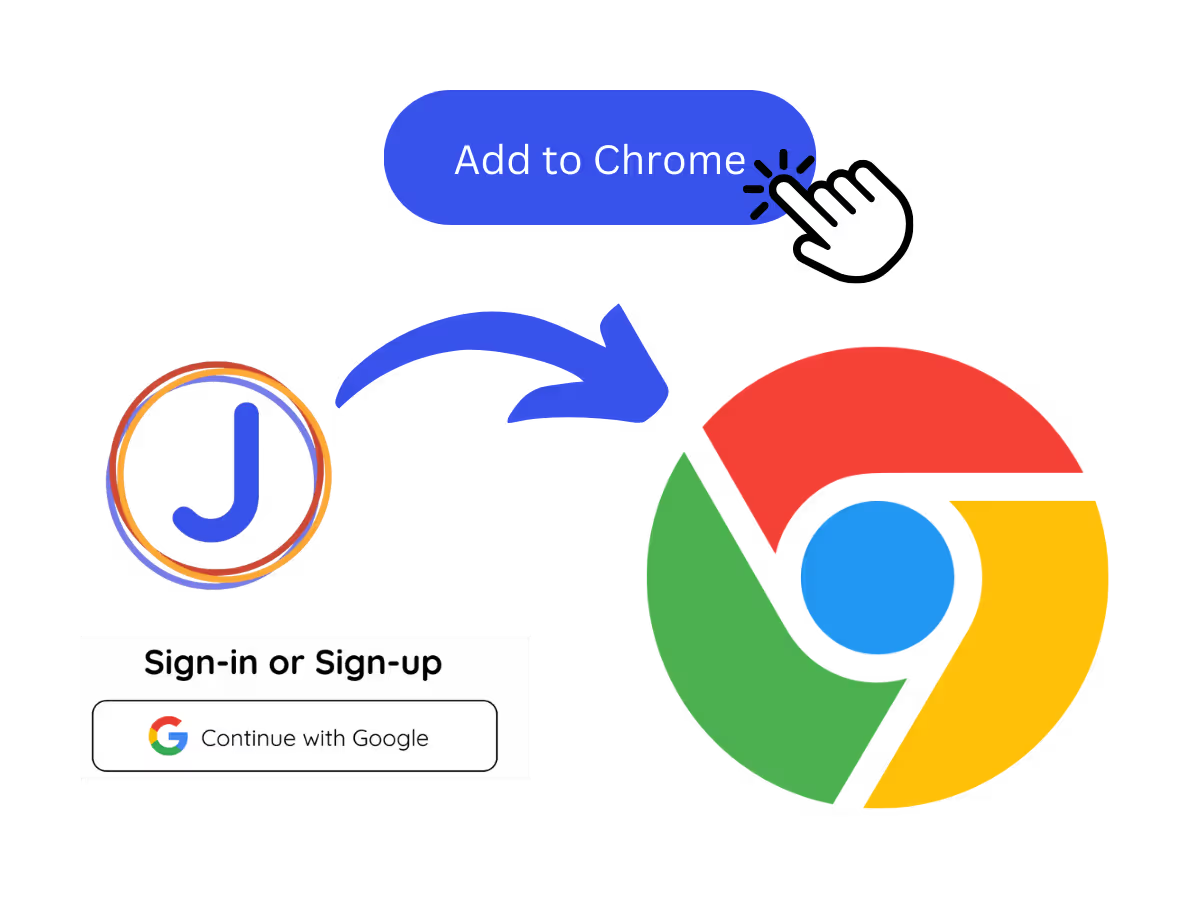
Install the JotMe translation extension on Google Meet. Setup takes less than 30 seconds!
.avif)
JotMe transcribes your meeting automatically for the language you set. You can also jot notes during the meeting.
.avif)
JotMe will create Chinese (Traditional) meeting notes based on the details on the notes you take and the transcript of the meeting.
Meetings can be chaotic. Let JotMe organize the conversation in Chinese (Traditional) so you can focus on contributing by maximizing your creativity and making the best decisions and setting the next action items.
.avif)
.avif)
JotMe AI can accommodate any AI meeting notes template you prefer in Chinese (Traditional), ensuring your meeting notes are created in the format that works best for you.
JotMe AI creates meeting notes in Chinese (Traditional) from meetings conducted in 77 languages, ensuring your Chinese (Traditional) team is aligned across the globe.
.avif)
.avif)
Yes, it is free to get started!
You can use the JotMe AI meeting notes feature by installing the JotMe translation extension, signing up, and starting a meeting. JotMe will automatically transcribe and summarize your meeting notes in Chinese (Traditional) based on the notes you take and the meeting transcript.
The default format includes the Gist, Action Items, and Key Points from your meeting, allowing you to quickly grasp the essential outcomes and next steps in Chinese (Traditional).
Yes, you can fully customize the format and structure of your meeting notes in Chinese (Traditional) to fit your preferred style or professional requirements.
JotMe currently supports AI meeting notes in 21 different languages, with the ability to transcribe meetings in 77 languages.
JotMe not only create AI meeting notes with your own notes and meeting transcripts but also it helps you many aspect of multilingual workflow. Explore our full suite of multilingual AI tools—from real-time translation to bilingual transcripts, we've got you covered!
.avif)





.avif)