









.avif)
.avif)
.avif)
.avif)
Thai AI Meeting Notes
Turn any meeting into clean Thai บันทึกการประชุม with a summary and action items. Works live on Zoom, Meet, and Teams, or upload a recording you already have. No bot joins your call.

已被 134 个国家的 2,000 个团队和 50 万名专业人士信赖使用



.avif)





.avif)


.avif)


.svg)
评分 4.7/5


符合 GDPR 规定
.avif)
SOC 2 Type II(进行中)
AI Meeting Notes in Thai
Meetings can sometimes feel disorganized, making it difficult to capture functional notes in real time, especially when you're deeply involved in discussions or facing language barriers. JotMe streamlines this process by summarizing your meetings and notes into clear and accurate action items and key points using AI, in Thai. Need more? JotMe can customize your meeting notes to match any meeting notes template or format, even converting them into professional meeting minutes in Thai. Experience it for free—no credit card required!
Thai meeting notes in three steps
只需 3 个简单步骤!
步骤 1
1. In a live meeting
Add JotMe to your call on Zoom, Meet, or Teams, or use it in person, and it captures everything live. No bot joins the meeting.
步骤 2
2. Or upload a recording you already have
Already have the audio or video? Upload it to Audio to Text or Video to Text and JotMe transcribes it the same way.
.avif)
步骤 3
3. Set your notes language to Thai (or English)
Pick Thai or English and get the transcript, summary, and action items in that language, whichever path you started from.
.avif)
亲眼见证!
For how Thai teams meet
.avif)
Reporting to global HQ
Turn your Thai meeting into a clean English summary and action items, so your global or Japanese HQ gets the update without anyone retyping บันทึกการประชุม after the call.

Automotive and manufacturing supplier calls
Turn your Thai meeting into a clean English summary and action items, so your global or Japanese HQ gets the update without anyone retyping บันทึกการประชุม after the call.
.avif)
Hospitality and tourism operations
Capture daily briefings, guest service reviews, and operations meetings across hotels and tour teams, with notes everyone can read in Thai.
常见问题
关于使用 JotMe 召开会议和举办活动,您需要了解的一切。
Is JotMe Thai AI meeting notes feature free?
Capture daily briefings, guest service reviews, and operations meetings across hotels and tour teams, with notes everyone can read in Thai.
How do I use JotMe Thai AI meeting notes feature?
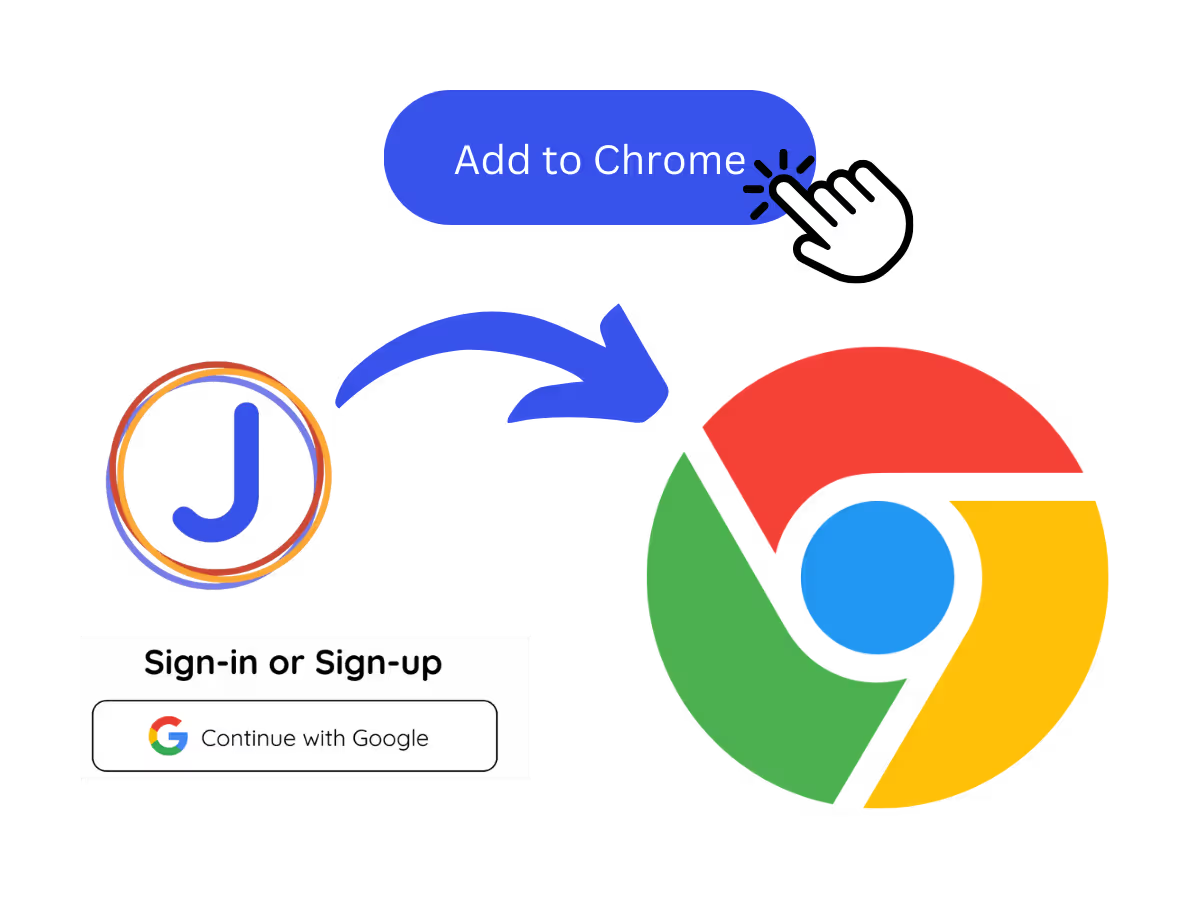
You can use the JotMe AI meeting notes feature by installing the JotMe translation extension, signing up, and starting a meeting. JotMe will automatically transcribe and summarize your meeting notes in Thai based on the notes you take and the meeting transcript.
What is the default format of the JotMe Thai AI meeting notes?
The default format includes the Gist, Action Items, and Key Points from your meeting, allowing you to quickly grasp the essential outcomes and next steps in Thai.
Can I customize my meeting notes template in Thai?
Yes, you can fully customize the format and structure of your meeting notes in Thai to fit your preferred style or professional requirements.
Which languages are supported for AI meeting notes?
JotMe currently supports AI meeting notes in 21 different languages, with the ability to transcribe meetings in 77 languages.
The easiest and most reliable way to store and sort your meeting details in Thai
你可以翻译

不止于AI会议纪要
JotMe 不仅能根据您的笔记和会议记录生成AI会议纪要,还能在多语言工作流程的诸多方面助您一臂之力。探索我们全面的多语言AI工具套件——从实时翻译到双语转录,我们为您提供全方位支持!
.avif)
让多语言运营中的每一场会议和活动都顺畅进行
通过实时语音翻译、语音转文字、传译和 AI 会议纪要,将每一段关键对话转化为带有上下文的洞察,让所有人跨语言保持一致理解。



.avif)
