适用于电脑上所有通话的桌面应用

多语言语音转文字、实时语音翻译、AI 会议纪要、AI 搜索、实时摘要、自定义词汇、音频录制等功能。

适用于面对面对话的移动应用

适用于 iPhone 和安卓系统的实时翻译和 A面向 iPhone 与 Android 的实时语音翻译和 AI 语音生成。I 语音生成。

面向 Google Meet 的 Chrome 扩展程序

实时语音转文字、实时语音翻译、AI 会议纪要。
添加到
Chrome
可立即试用

中文(繁体)AI 会议记录

透過 AI 記錄繁體中文會議筆記,助您掌握行動項目與重點。

中文(繁体)AI 会议记录
Users from

AI 會議記錄(繁體中文)

会议有时会感觉杂乱无章,因此很难实时记录功能性笔记,尤其是当你深入参与讨论或面临语言障碍时。JotMe 通过以下方式简化了这个过程 总结您的会议 并使用中文(繁体)将注释成清晰准确的操作项目和要点。需要更多?JotMe 可以自定义您的会议记录以匹配任何会议记录模板或格式,甚至可以将它们转换为专业的 会议纪要 中文(繁体)。免费体验——无需信用卡!

How do I use Chinese (Traditional) AI meeting notes?

In 3 easy steps!

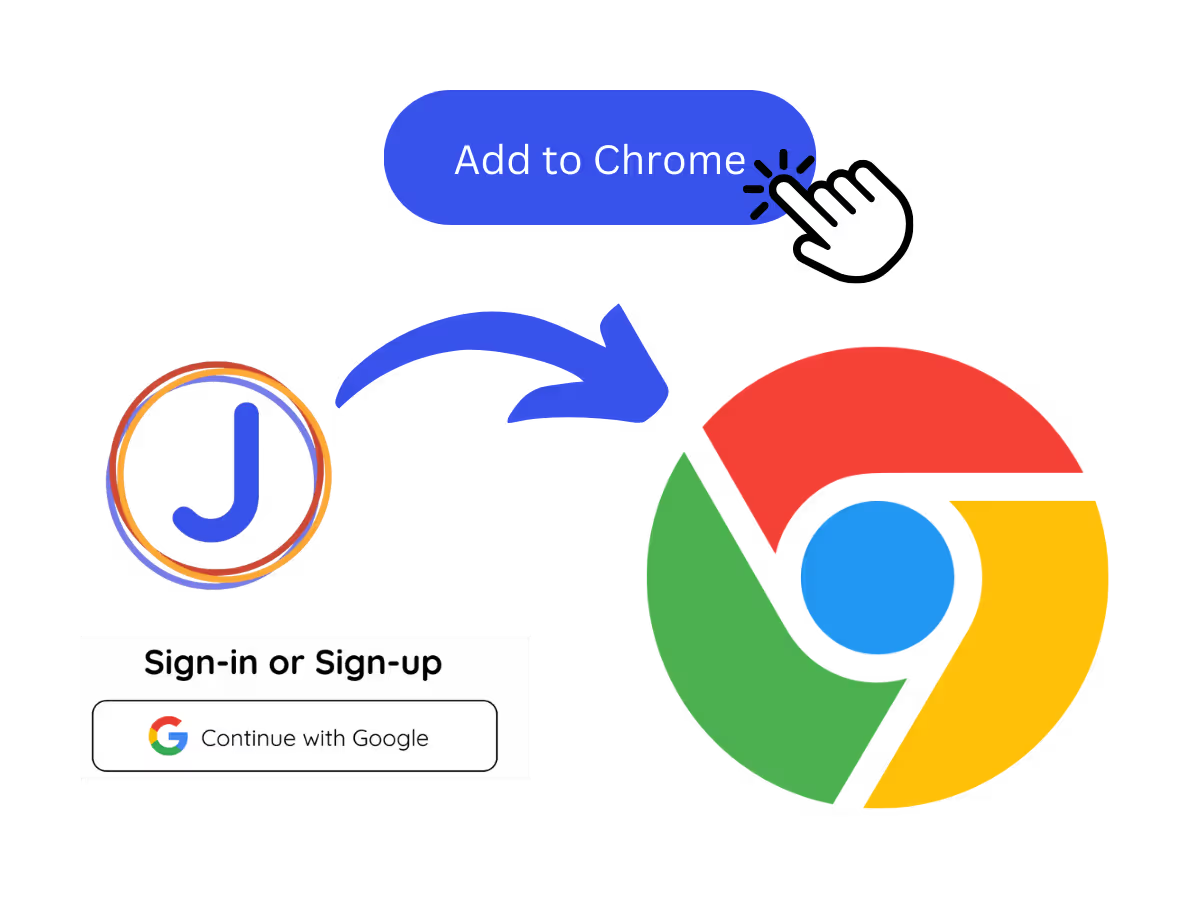
Add JotMe to Chrome and Sign Up

Step 1: Add JotMe to Chrome and Sign Up

Install the JotMe translation extension on Google Meet. Setup takes less than 30 seconds!

Take a meeting

Step 2: Take a meeting

JotMe transcribes your meeting automatically for the language you set. You can also jot notes during the meeting.

Get access to the AI meeting notes after ending your meeting

Step 3: Get access to the AI meeting notes after ending your meeting

JotMe will create Chinese (Traditional) meeting notes based on the details on the notes you take and the transcript of the meeting.

See It in Action!

Use JotMe Chinese (Traditional) AI note taker to

Save time capturing key takeaways from meetings in Chinese (Traditional)

Meetings can be chaotic. Let JotMe organize the conversation in Chinese (Traditional) so you can focus on contributing by maximizing your creativity and making the best decisions and setting the next action items.

Save time capturing key takeaways from meetings in Chinese (Traditional)
Automate the meeting note-taking process into any template or structure you need in Chinese (Traditional)

Automate the meeting note-taking process into any template or structure you need in Chinese (Traditional)

JotMe AI can accommodate any AI meeting notes template you prefer in Chinese (Traditional), ensuring your meeting notes are created in the format that works best for you.

Collaborate seamlessly with your Chinese (Traditional) colleagues

JotMe AI creates meeting notes in Chinese (Traditional) from meetings conducted in 77 languages, ensuring your Chinese (Traditional) team is aligned across the globe.

Collaborate seamlessly with your Chinese (Traditional) colleagues

Frequently Asked
Questions

Is JotMe Chinese (Traditional) AI meeting notes feature free?

keyboard_arrow_down

Yes, it is free to get started!

How do I use JotMe Chinese (Traditional) AI meeting notes feature?

keyboard_arrow_down

You can use the JotMe AI meeting notes feature by installing the JotMe translation extension, signing up, and starting a meeting. JotMe will automatically transcribe and summarize your meeting notes in Chinese (Traditional) based on the notes you take and the meeting transcript.

What is the default format of the JotMe Chinese (Traditional) AI meeting notes?

keyboard_arrow_down

The default format includes the Gist, Action Items, and Key Points from your meeting, allowing you to quickly grasp the essential outcomes and next steps in Chinese (Traditional).

Can I customize my meeting notes template in Chinese (Traditional)?

keyboard_arrow_down

Yes, you can fully customize the format and structure of your meeting notes in Chinese (Traditional) to fit your preferred style or professional requirements.

Which languages are supported for AI meeting notes?

keyboard_arrow_down

JotMe currently supports AI meeting notes in 21 different languages, with the ability to transcribe meetings in 77 languages.

MORE THAN AI MEETING NOTES

JotMe not only create AI meeting notes with your own notes and meeting transcripts but also it helps you many aspect of multilingual workflow. Explore our full suite of multilingual AI tools—from real-time translation to bilingual transcripts, we've got you covered!

The easiest and most reliable way to store and sort your meeting details in Chinese (Traditional)

中文(繁体)AI 会议记录

透過 AI 記錄繁體中文會議筆記,助您掌握行動項目與重點。

已被 134 个国家的 2,000 个团队和 50 万名专业人士信赖使用

评分 4.7/5
符合 GDPR 规定
SOC 2 Type II(进行中)

AI 會議記錄(繁體中文)

会议有时会感觉杂乱无章,因此很难实时记录功能性笔记,尤其是当你深入参与讨论或面临语言障碍时。JotMe 通过以下方式简化了这个过程 总结您的会议 并使用中文(繁体)将注释成清晰准确的操作项目和要点。需要更多?JotMe 可以自定义您的会议记录以匹配任何会议记录模板或格式,甚至可以将它们转换为专业的 会议纪要 中文(繁体)。免费体验——无需信用卡!

How do I use Chinese (Traditional) AI meeting notes?

只需 3 个简单步骤!

步骤 1

Step 1: Add JotMe to Chrome and Sign Up

Install the JotMe translation extension on Google Meet. Setup takes less than 30 seconds!
步骤 2

Step 2: Take a meeting

JotMe transcribes your meeting automatically for the language you set. You can also jot notes during the meeting.

步骤 3

Step 3: Get access to the AI meeting notes after ending your meeting

JotMe will create Chinese (Traditional) meeting notes based on the details on the notes you take and the transcript of the meeting.

亲眼见证!

Use JotMe Chinese (Traditional) AI note taker to

A woman is working effectively

Save time capturing key takeaways from meetings in Chinese (Traditional)

Meetings can be chaotic. Let JotMe organize the conversation in Chinese (Traditional) so you can focus on contributing by maximizing your creativity and making the best decisions and setting the next action items.

Track Conversations in Real-Time

Automate the meeting note-taking process into any template or structure you need in Chinese (Traditional)

Meetings can be chaotic. Let JotMe organize the conversation in Chinese (Traditional) so you can focus on contributing by maximizing your creativity and making the best decisions and setting the next action items.

A group a having a discussion and speech is transcribed

Collaborate seamlessly with your Chinese (Traditional) colleagues

JotMe AI creates meeting notes in Chinese (Traditional) from meetings conducted in 77 languages, ensuring your Chinese (Traditional) team is aligned across the globe.

常见问题

关于使用 JotMe 召开会议和举办活动,您需要了解的一切。

Is JotMe Chinese (Traditional) AI meeting notes feature free?

JotMe AI creates meeting notes in Chinese (Traditional) from meetings conducted in 77 languages, ensuring your Chinese (Traditional) team is aligned across the globe.

How do I use JotMe Chinese (Traditional) AI meeting notes feature?

You can use the JotMe AI meeting notes feature by installing the JotMe translation extension, signing up, and starting a meeting. JotMe will automatically transcribe and summarize your meeting notes in Chinese (Traditional) based on the notes you take and the meeting transcript.

What is the default format of the JotMe Chinese (Traditional) AI meeting notes?

The default format includes the Gist, Action Items, and Key Points from your meeting, allowing you to quickly grasp the essential outcomes and next steps in Chinese (Traditional).

Can I customize my meeting notes template in Chinese (Traditional)?

Yes, you can fully customize the format and structure of your meeting notes in Chinese (Traditional) to fit your preferred style or professional requirements.

Which languages are supported for AI meeting notes?

JotMe currently supports AI meeting notes in 21 different languages, with the ability to transcribe meetings in 77 languages.

不止于AI会议纪要

JotMe 不仅能根据您的笔记和会议记录生成AI会议纪要,还能在多语言工作流程的诸多方面助您一臂之力。探索我们全面的多语言AI工具套件——从实时翻译到双语转录,我们为您提供全方位支持!

Translate, transcribe, and summarize Google Meet

让多语言运营中的每一场会议和活动都顺畅进行

通过实时语音翻译、语音转文字、传译和 AI 会议纪要,将每一段关键对话转化为带有上下文的洞察,让所有人跨语言保持一致理解。