






Dịch X (Twitter)
Dịch Spaces, livestream và video trên X sang ngôn ngữ của bạn ngay khi chúng phát. X dịch bài đăng; JotMe dịch âm thanh để có phụ đề chính xác, qua hơn 200 ngôn ngữ.
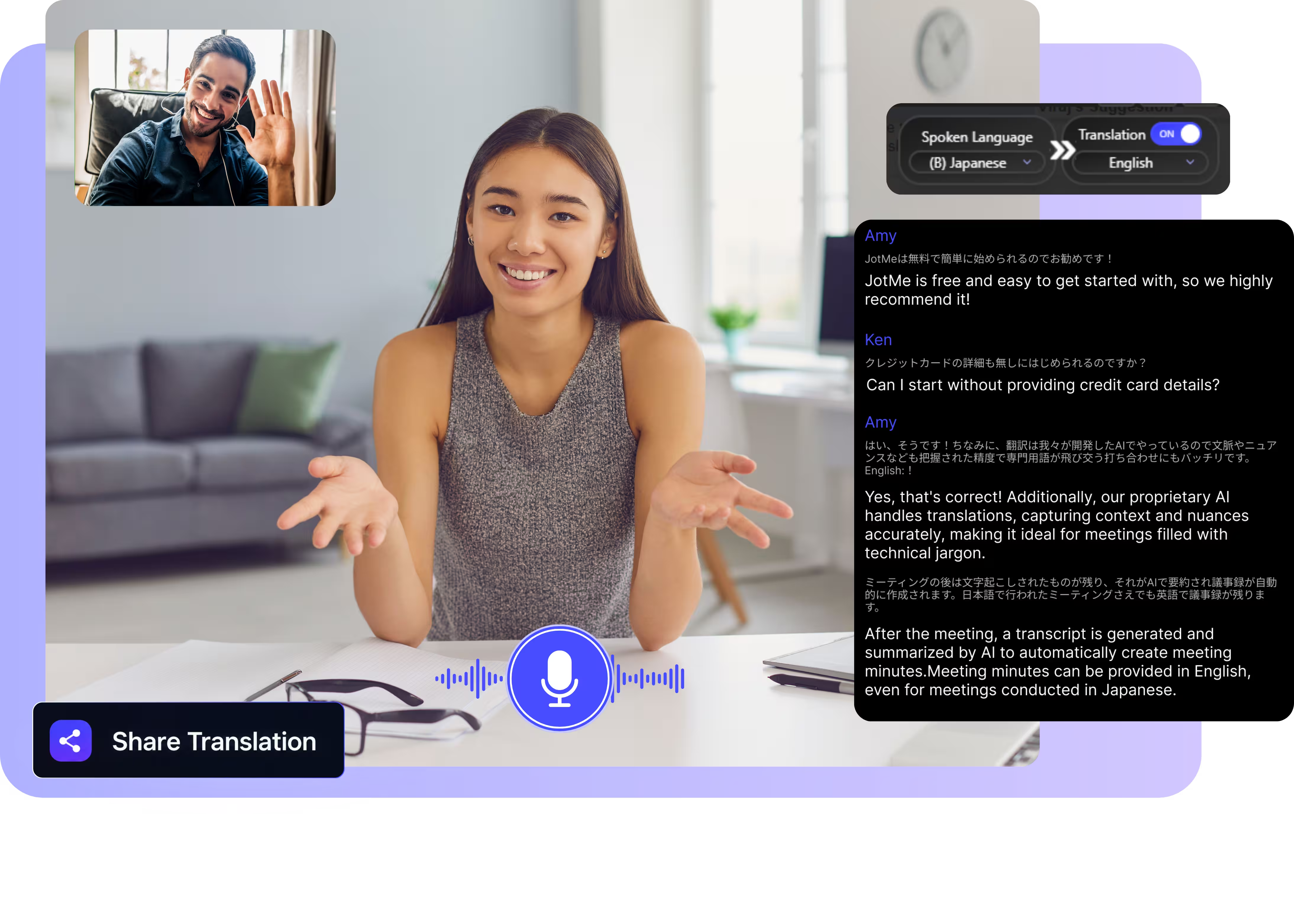
Chọn mô hình, chọn ngôn ngữ, nhấn bắt đầu và tham gia một Space trên x.com. JotMe bắt âm thanh và dịch trực tiếp ngay trên màn hình của bạn. Mở bản demo đầy đủ.
Được 2.000 đội nhóm và 500.000 chuyên gia tại 134 quốc gia tin dùng

















Dịch thực sự cho X, ngay từ âm thanh
Spaces, livestream và video ở bất kỳ ngôn ngữ nào, hiểu ngay khi phát.

Hiểu ngữ cảnh, cực kỳ chính xác
JotMe dịch theo ngữ cảnh và giữ chính xác các mã ticker, tên dự án và tiếng lóng của cộng đồng. Phụ đề đọc đúng như ý người nói muốn truyền đạt.

Giọng-sang-giọng bằng chính giọng của bạn
Nghe bản dịch được nói bằng giọng nhân bản của chính bạn với công nghệ nhân bản giọng nhanh nhất hiện nay. Lời của bạn, giọng của bạn, ở một ngôn ngữ khác.

Hơn 200 ngôn ngữ, trực tiếp hoặc từ bản ghi
Dịch âm thanh trên X qua hơn 200 ngôn ngữ, trực tiếp khi bạn nghe trên desktop hoặc từ một video đã lưu mà bạn tải lên.
Bản dịch của bạn được lưu lại
JotMe lưu bản chép lời và bản dịch vào bảng điều khiển của bạn, nên một Space bạn đã bắt được vẫn có thể tìm kiếm về sau.

Không bot, không cài đặt phức tạp
Spaces không có phụ đề để dịch. JotMe nghe âm thanh từ máy tính của bạn và dịch trực tiếp lời nói, theo từng người nói.

Từ điển tùy chỉnh và tự động nhận diện ngôn ngữ
Thêm các handle, mã ticker và quy tắc thay thế tùy chỉnh để giữ độ chính xác cao với từ vựng chuyên biệt. JotMe tự động nhận diện ngôn ngữ được nói, nên bạn không cần thiết lập giữa chừng một Space.
Cách dịch một X Space hoặc video
Ba bước, chưa đến một phút, và nó hoạt động với mọi âm thanh đang phát trên X.
1. Tải ứng dụng desktop, hoặc tải lên một video đã lưu
Cài JotMe cho Mac hoặc Windows trong khoảng 30 giây và mở x.com trên trình duyệt của bạn. Đã lưu một video? Tải lên để có bản chép lời và bản dịch chính xác.
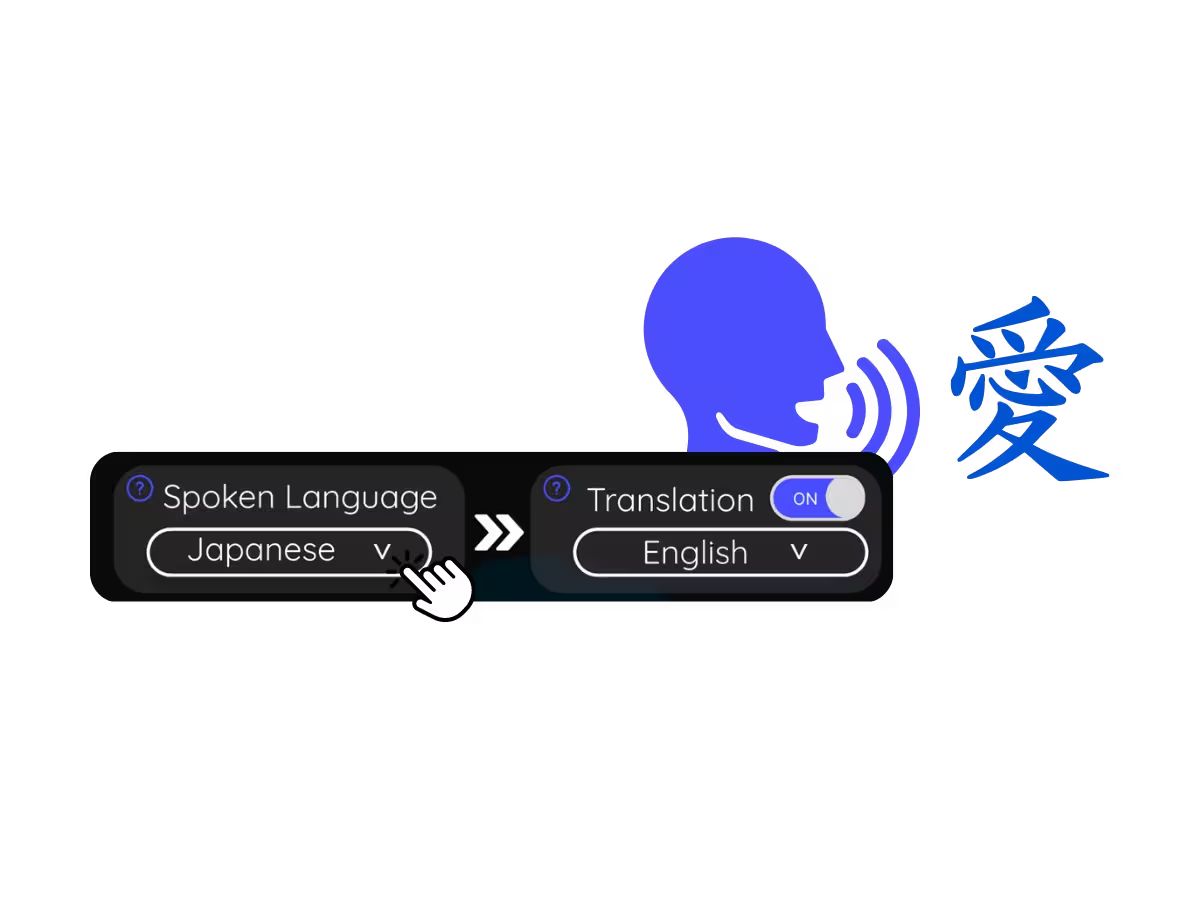
2. Đặt ngôn ngữ được nói
Chọn ngôn ngữ đang được nói, ví dụ tiếng Anh. Nếu người nói chuyển đổi ngôn ngữ, hãy chọn chế độ đa ngôn ngữ.
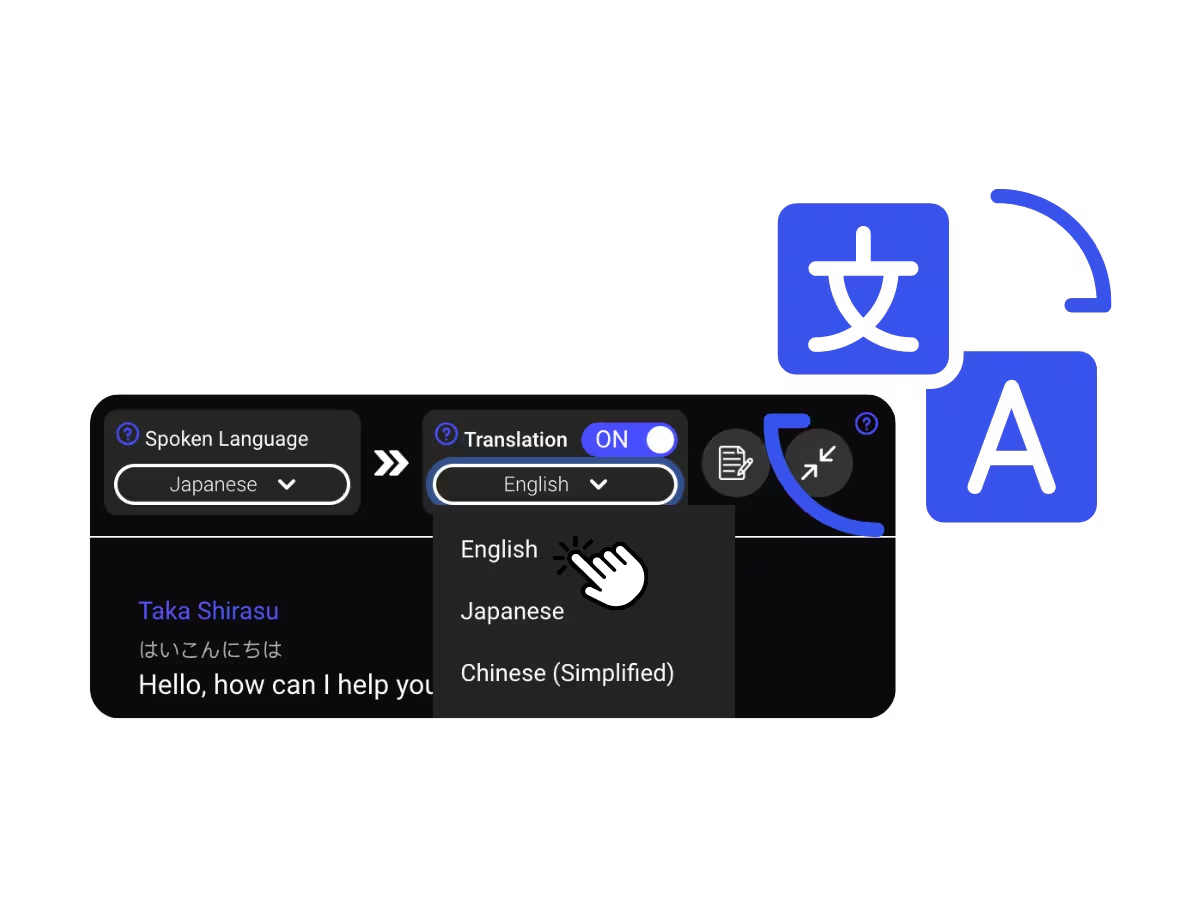
3. Đặt ngôn ngữ bạn muốn dịch sang
Chọn ngôn ngữ bạn muốn đọc hoặc nghe. Phụ đề trực tiếp chính xác hiện lên trên màn hình, và bản dịch giọng-sang-giọng phát ra khi mỗi người nói.
Mọi người dùng tính năng dịch X để làm gì
Từ một Space crypto được tổ chức bằng ngôn ngữ khác đến buổi livestream của một nhà sáng lập mà bạn cần theo dõi ngay hôm nay, JotMe mở ra dòng thời gian toàn cầu.
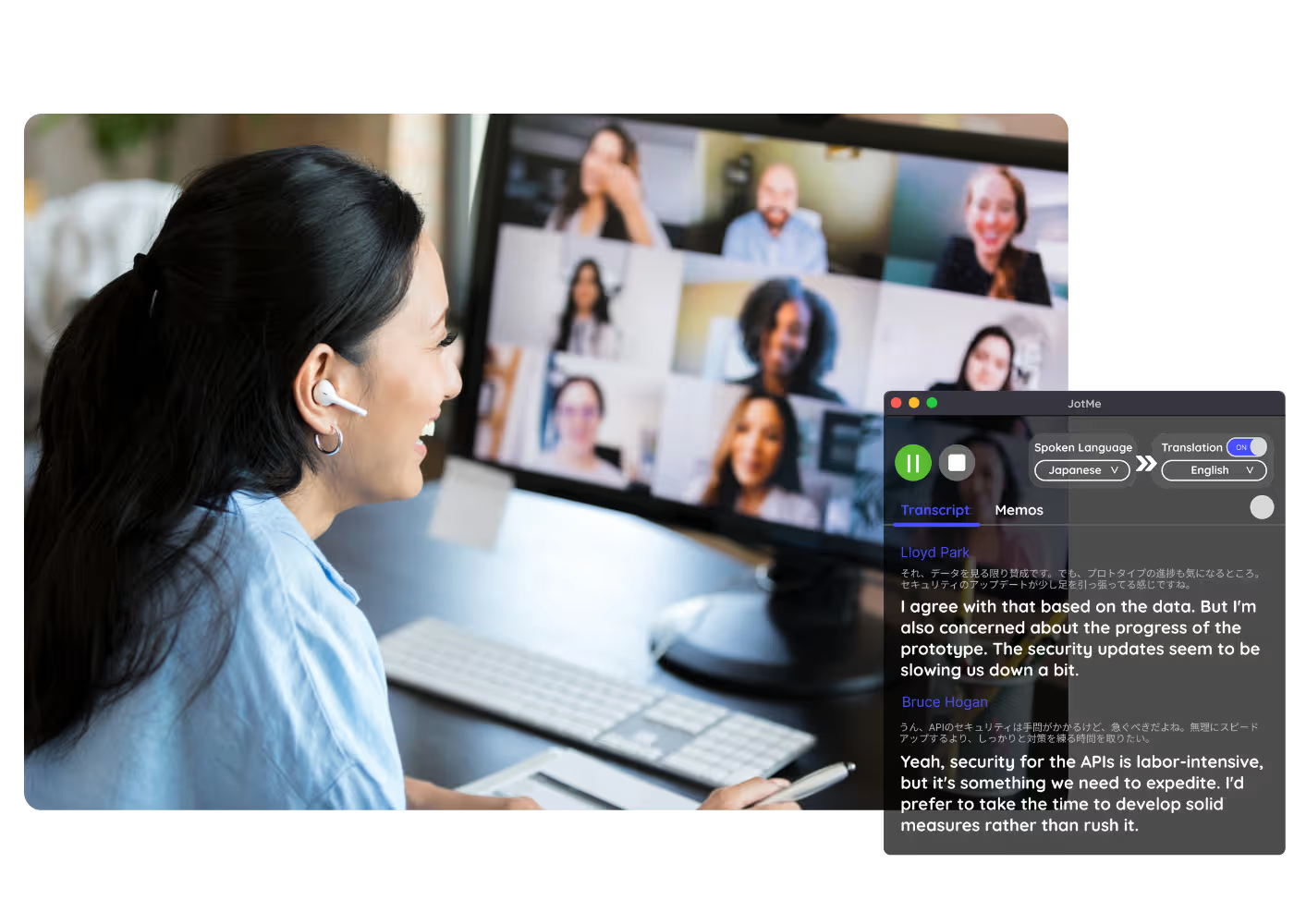
Spaces tiếng nước ngoài
Theo dõi những gì các nhà sáng lập, quan chức và cộng đồng nói trong các Space toàn cầu mà không phải chờ bản tóm tắt.
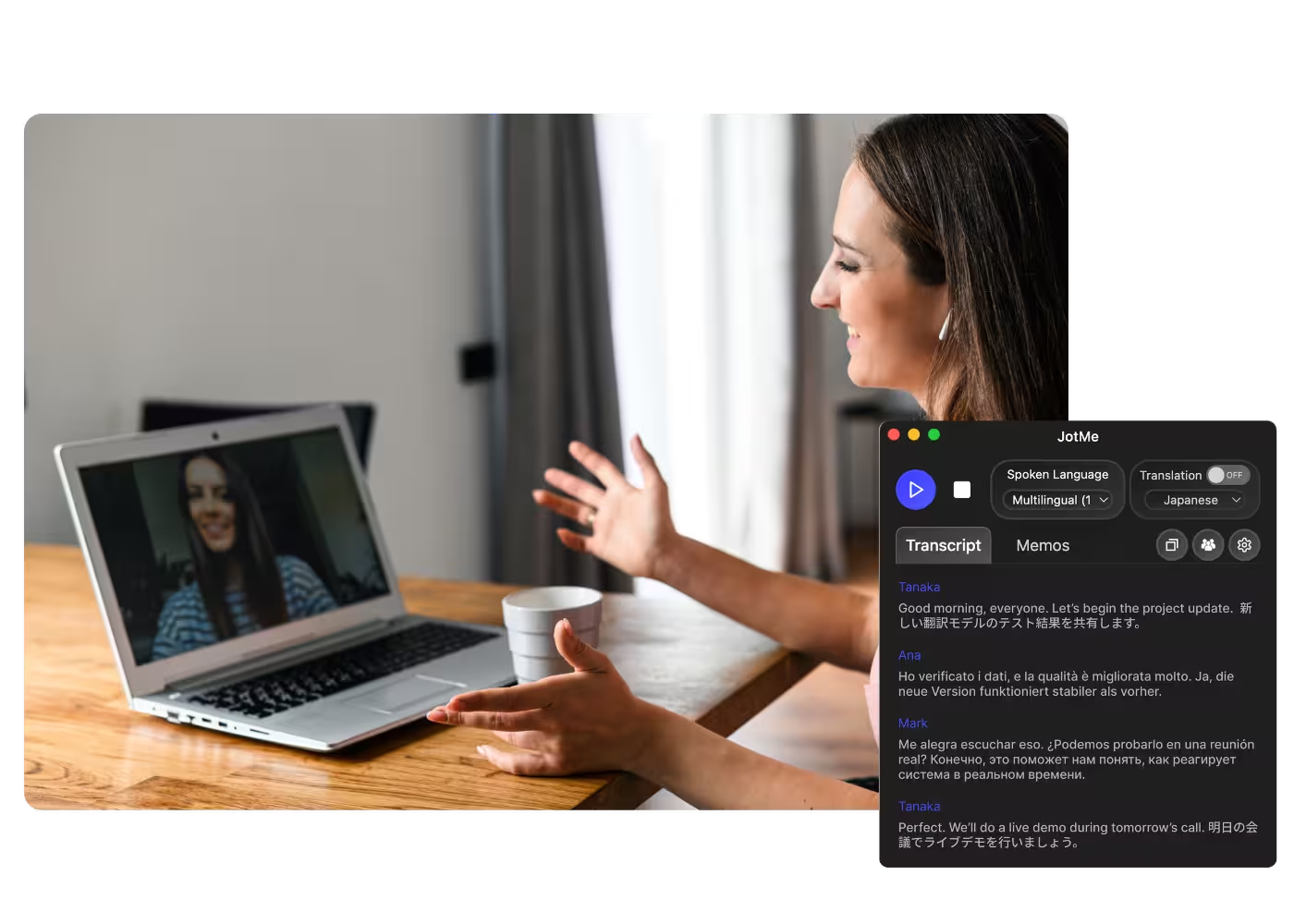
Nhà phân tích & nghiên cứu
Theo dõi những gì các nhà sáng lập, quan chức và cộng đồng nói trong các Space toàn cầu mà không phải chờ bản tóm tắt.
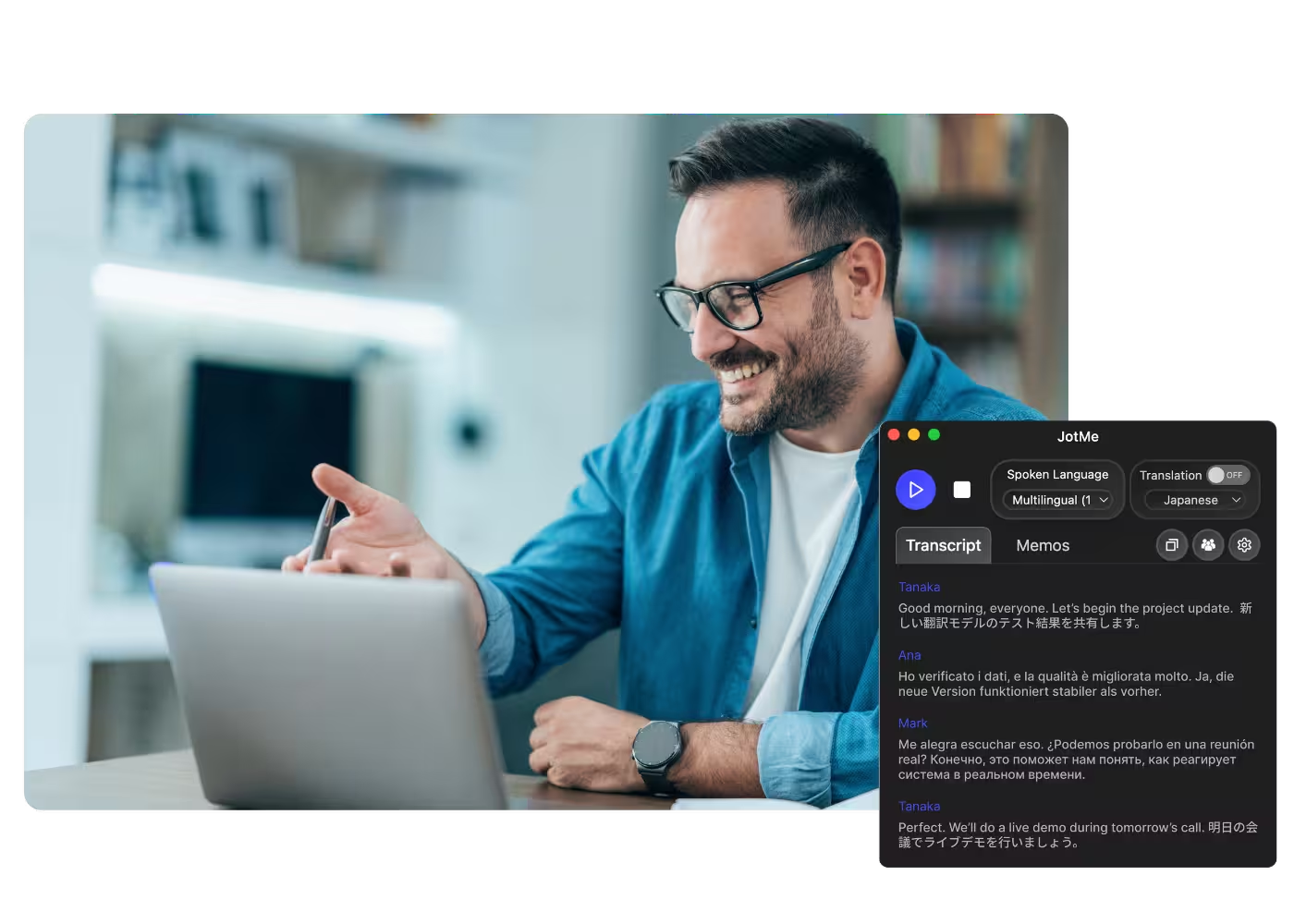
Video đã lưu & bản ghi
Tải một video X đã lưu hoặc một Space đã ghi lên Video Sang Văn Bản và nhận bản chép lời cùng bản dịch của nó.
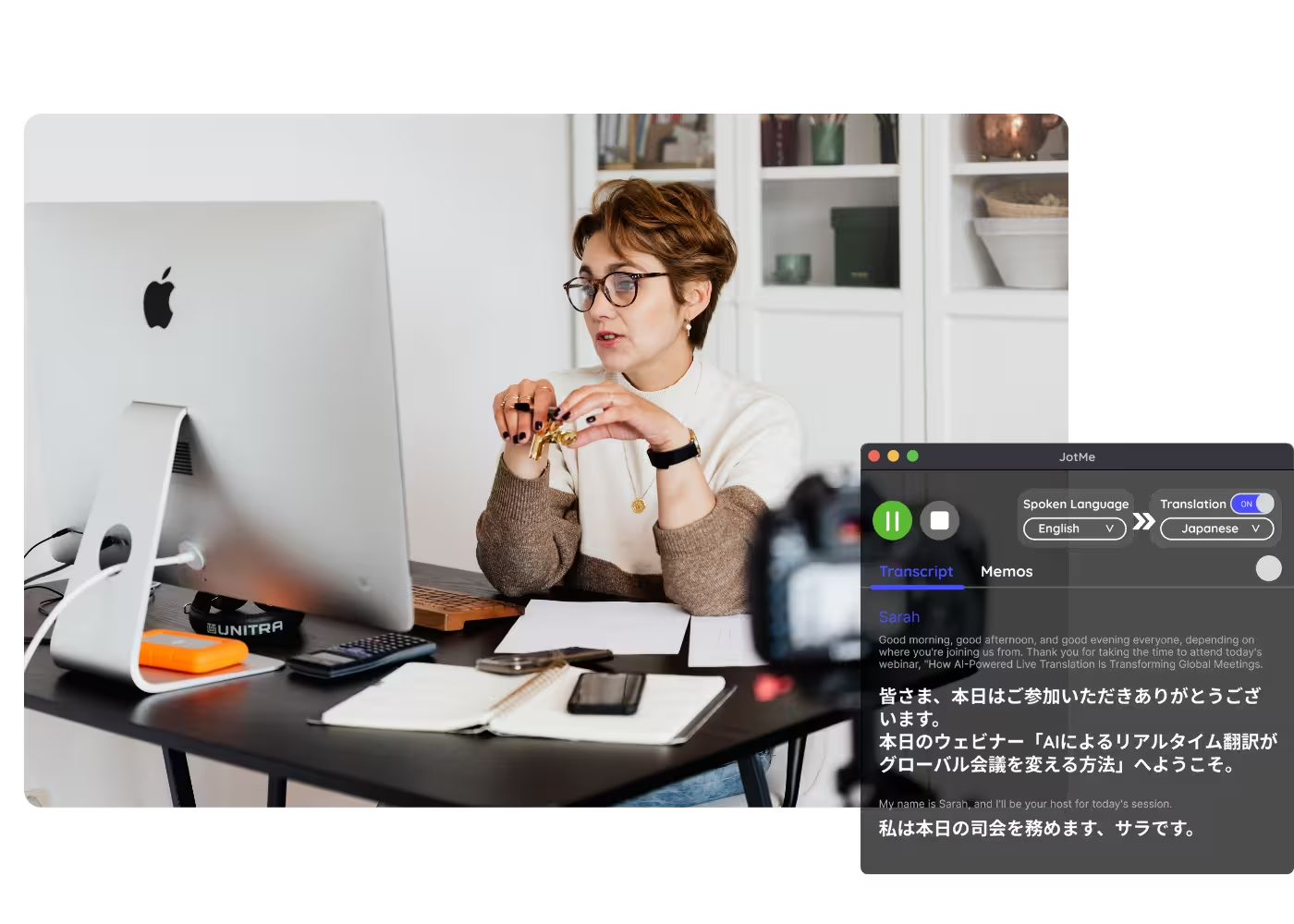
Hội thảo trực tuyến & đào tạo
Chia sẻ bản dịch trực tiếp với người tham dự qua URL, mã QR, hoặc phụ đề trên camera để người tham dự trên desktop và trình duyệt theo dõi trên màn hình của riêng họ.
Xem nó hoạt động
Xem JotMe dịch một X Space trực tiếp, theo từng người nói, thẳng từ âm thanh.
Hơn 500.000 chuyên gia ổ chức cuộc họp và sự kiện với JotMe
Xem cách người dùng dùng JotMe để lấp đầy khoảng trống trong vận hành đa ngôn ngữ.






Các câu hỏi thường gặp
Mọi thông tin bạn cần biết để tổ chức các cuộc họp và sự kiện với JotMe.
Có. Tham gia Space trên x.com và JotMe dịch lời nói thành phụ đề trực tiếp chính xác bằng ngôn ngữ của bạn ngay khi mọi người nói, theo từng người nói.
Tính năng dịch của X bao phủ bài đăng và văn bản, còn âm thanh của Spaces và video thì không được dịch. JotMe phụ trách phần âm thanh qua hơn 200 ngôn ngữ, trực tiếp hoặc từ video tải lên.
Có. Gói miễn phí của JotMe bao gồm số phút dịch trực tiếp, và không cần thẻ tín dụng. Nâng cấp khi bạn cần thêm phút.
JotMe dịch dựa trên hồ sơ của bạn, từ điển tùy chỉnh của bạn, chủ đề của phòng, và bộ nhớ liên tục về âm thanh nạp vào từng dòng, nên độ chính xác tăng dần khi phát và các thuật ngữ chuyên môn cùng mã ticker được ghi đúng.
Có. JotMe lưu bản chép lời và bản dịch trên bảng điều khiển của bạn, nên bạn có thể xem lại, sao chép và chia sẻ sau cuộc họp.
Có. Tải bản ghi lên Video Sang Văn Bản và JotMe chép lời rồi dịch bản chép sang ngôn ngữ bạn chọn.
Dịch trực tiếp hiện được hiển thị dưới dạng phụ đề, và chế độ nhanh có thể đọc to bản dịch. Giọng-sang-giọng bằng giọng nhân bản của chính bạn với mô hình AI dịch nhanh nhất.
Heading

Nghe X bằng bất kỳ ngôn ngữ nào
Spaces và video được dịch chính xác từ âm thanh, qua hơn 200 ngôn ngữ. Cuộc trò chuyện toàn cầu, không còn rào cản.