






Dịch Signal
Biến cuộc gọi thoại và video Signal thành phụ đề trực tiếp chính xác và giọng nói do AI nhân bản trên hơn 200 ngôn ngữ. Thực hiện cuộc gọi trên Signal Desktop, không thêm gì vào cuộc gọi và người kia không phải cài đặt gì.
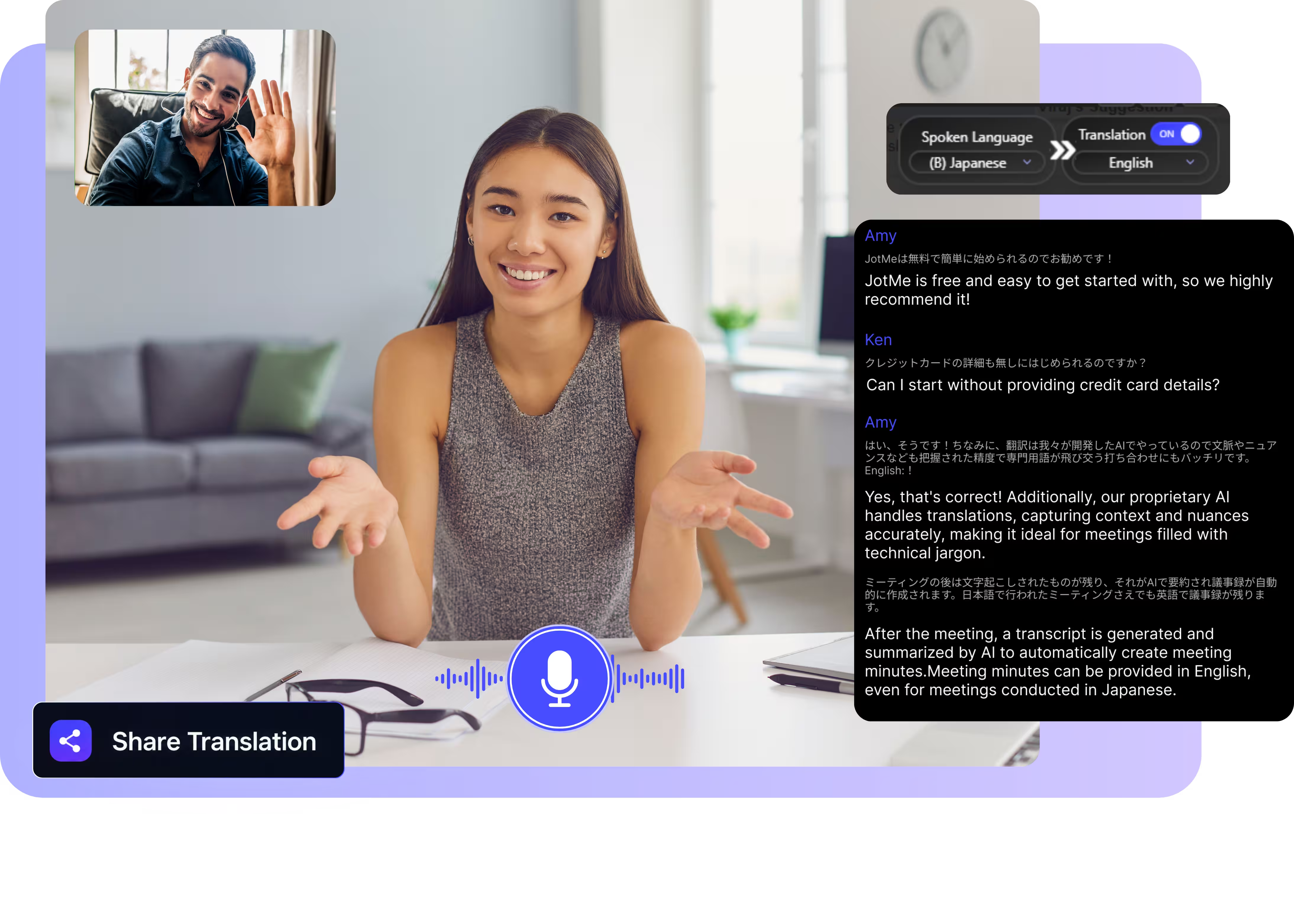
Chọn mô hình, chọn ngôn ngữ, nhấn bắt đầu và cứ thế nói. Tải ứng dụng máy tính về và thực hiện các cuộc gọi Signal ngay trên máy tính của bạn. Mở bản demo đầy đủ.
Được 2.000 đội nhóm và 500.000 chuyên gia tại 134 quốc gia tin dùng

















Dịch thời gian thực chính xác cho cuộc gọi Signal
Mọi thứ bạn cần để trò chuyện xuyên ngôn ngữ trên Signal.

Nhận biết ngữ cảnh, chính xác vượt trội
JotMe dịch theo ngữ cảnh và giữ chính xác tên riêng, địa danh cùng thuật ngữ chuyên ngành. Mỗi câu đọc lên đúng như ý người nói muốn diễn đạt.

Voice-to-voice bằng chính giọng của bạn
Nghe bản dịch được nói bằng giọng đã nhân bản của chính bạn, với công nghệ nhân bản giọng nhanh nhất hiện nay. Lời của bạn, giọng của bạn, một ngôn ngữ khác.

200+ ngôn ngữ, trực tiếp hoặc từ bản ghi
Dịch cuộc gọi Signal sang hơn 200 ngôn ngữ, trực tiếp trên Signal Desktop hoặc từ tin nhắn thoại và bản ghi âm mà bạn tải lên.
Bản dịch của bạn được lưu lại
JotMe lưu bản ghi, bản dịch và ghi chú vào bảng điều khiển của bạn sau mỗi cuộc gọi, để một buổi phỏng vấn dài vẫn luôn tìm lại được.

Không bot, không cần cài đặt
JotMe chỉ thu âm ngay trên máy tính của bạn. Không có gì tham gia vào cuộc gọi, không có gì được thêm vào cuộc trò chuyện Signal của bạn, và người kia không phải cài đặt bất cứ thứ gì.

Từ điển tùy chỉnh và tự động nhận diện ngôn ngữ
Thêm tên riêng, địa danh và các thay thế tùy chỉnh để giữ độ chính xác cao với vốn từ trong công việc của bạn. JotMe tự động nhận diện ngôn ngữ đang nói, nên bạn không bao giờ phải chỉnh giữa cuộc gọi.
Cách dịch một cuộc gọi Signal
Ba bước, chưa đến một phút, và người kia không phải cài đặt gì.
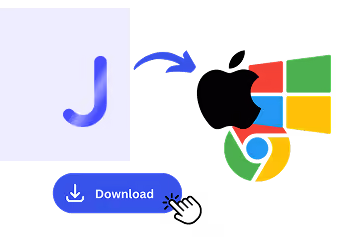
1. Tải ứng dụng máy tính, hoặc tải lên một tin nhắn thoại
Tải JotMe cho Mac hoặc Windows trong khoảng 30 giây và thực hiện cuộc gọi Signal trên Signal Desktop. Bạn có một tin nhắn thoại thay vì gọi? Tải lên để có bản ghi và bản dịch chính xác.
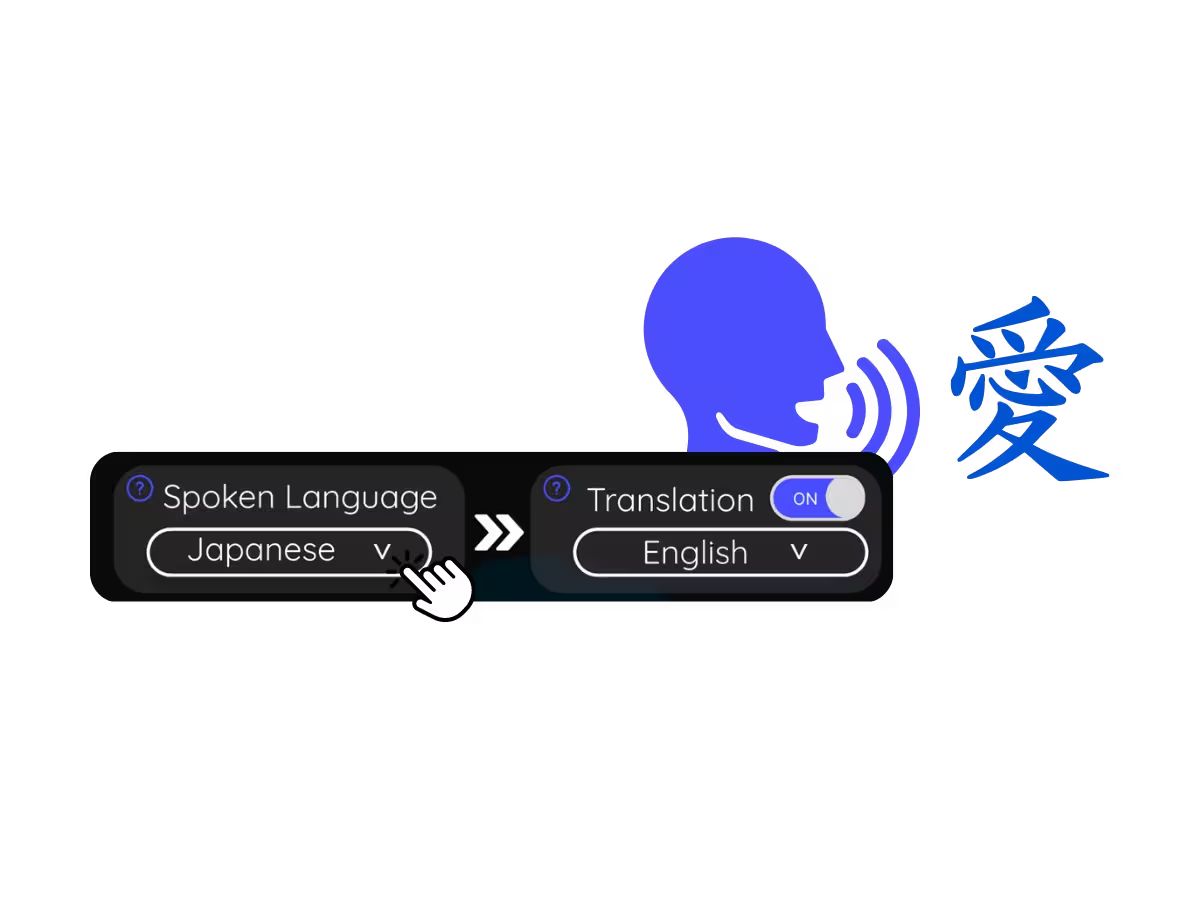
2. Đặt ngôn ngữ đang nói
Chọn ngôn ngữ đang được nói trong cuộc gọi, ví dụ tiếng Ả Rập. Nếu mọi người đổi qua lại giữa các ngôn ngữ, hãy chọn chế độ đa ngôn ngữ.
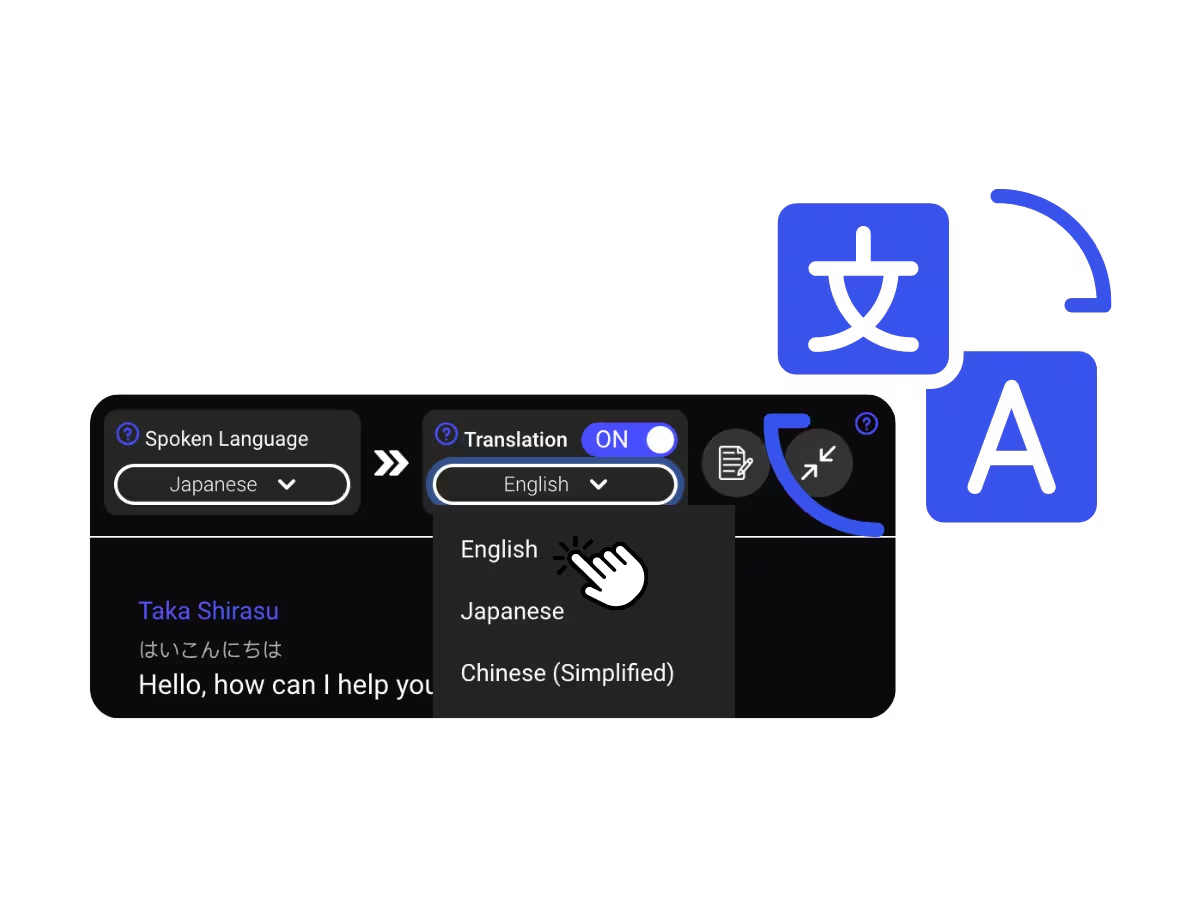
3. Đặt ngôn ngữ bản dịch của bạn
Chọn ngôn ngữ bạn muốn đọc hoặc nghe. Phụ đề trực tiếp chính xác hiện lên trên màn hình của bạn, và bản dịch voice-to-voice phát ra khi mỗi người nói.
Mọi người dùng dịch cuộc gọi Signal để làm gì
Ba bước, chưa đến một phút, và người kia không phải cài đặt gì.
Công việc nhạy cảm xuyên ngôn ngữ
Nhà báo, nhà nghiên cứu và các tổ chức NGO phỏng vấn nguồn tin bằng ngôn ngữ khác — được dịch ngay khi họ nói.

Gia đình & bạn bè ở nước ngoài
Các cuộc gọi với những người đã chọn dùng Signal, hiểu nhau theo thời gian thực mà không cần đổi ứng dụng.
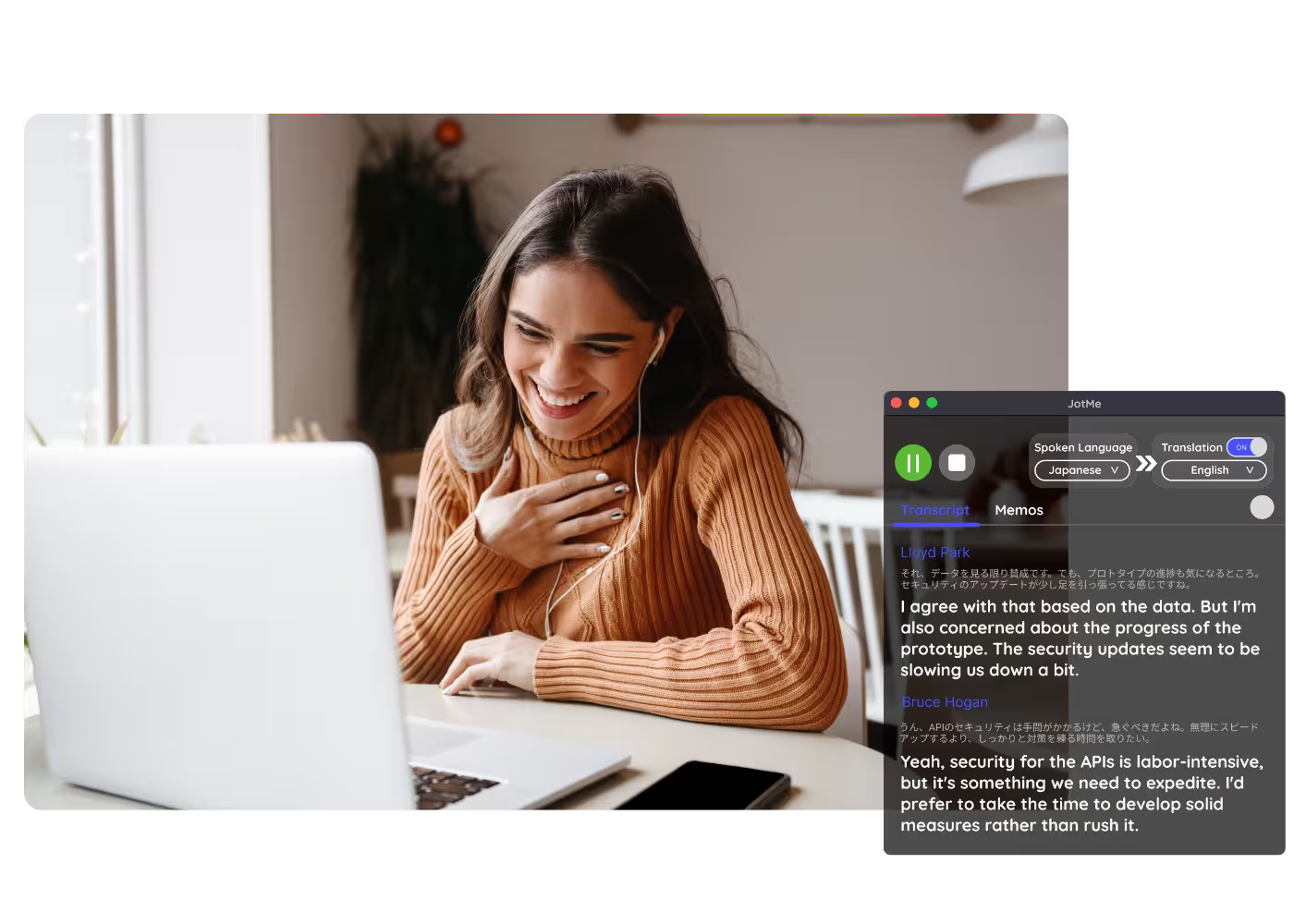
Tin nhắn thoại & bản ghi âm
Tải tin nhắn thoại hoặc bản ghi âm Signal lên Âm thanh sang Văn bản và nhận bản ghi kèm bản dịch.
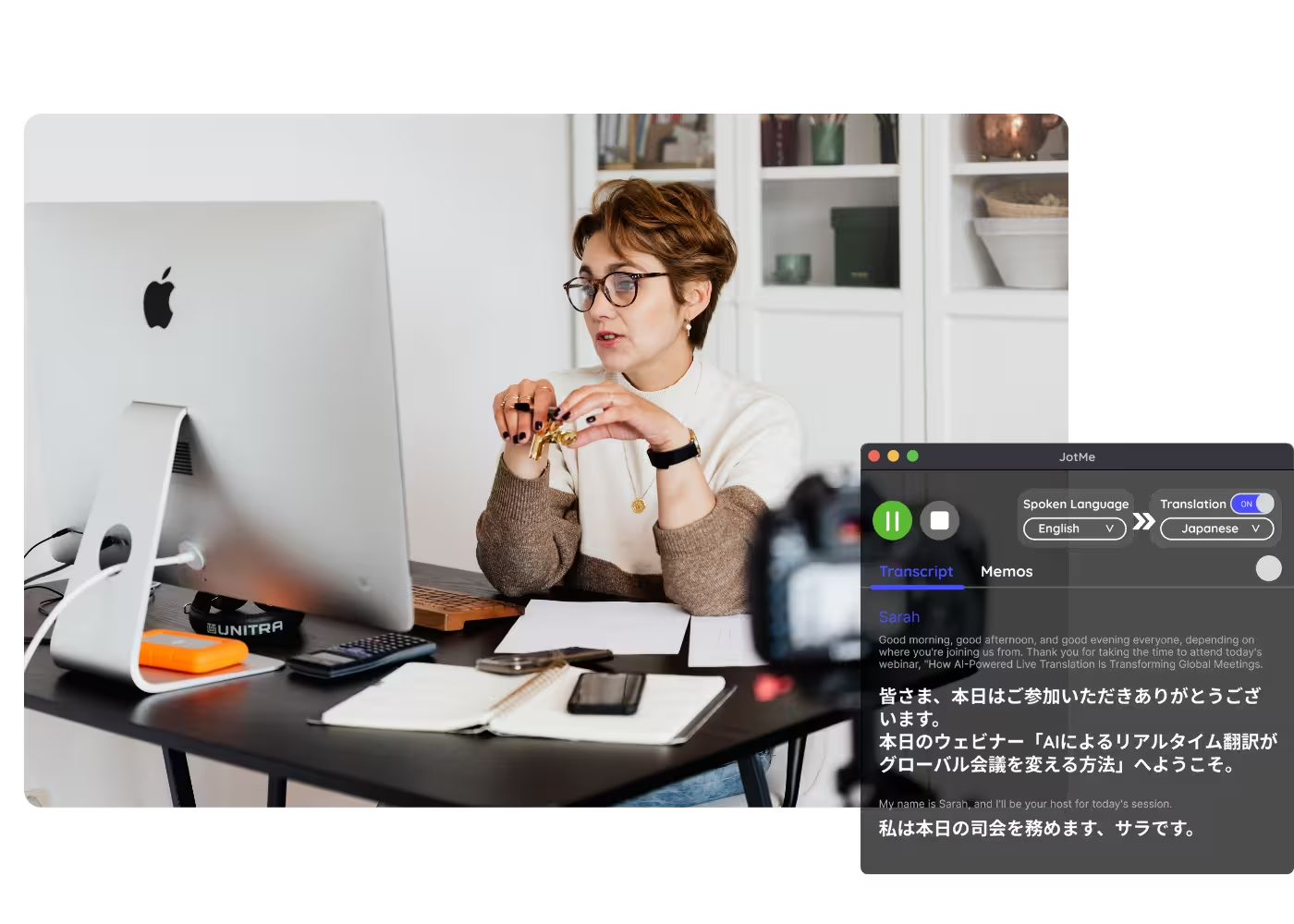
Hội thảo trực tuyến & đào tạo
Chia sẻ bản dịch trực tiếp với người tham dự qua URL, mã QR, hoặc phụ đề hiển thị qua camera để người tham dự trên máy tính và trình duyệt theo dõi trên màn hình của chính họ.
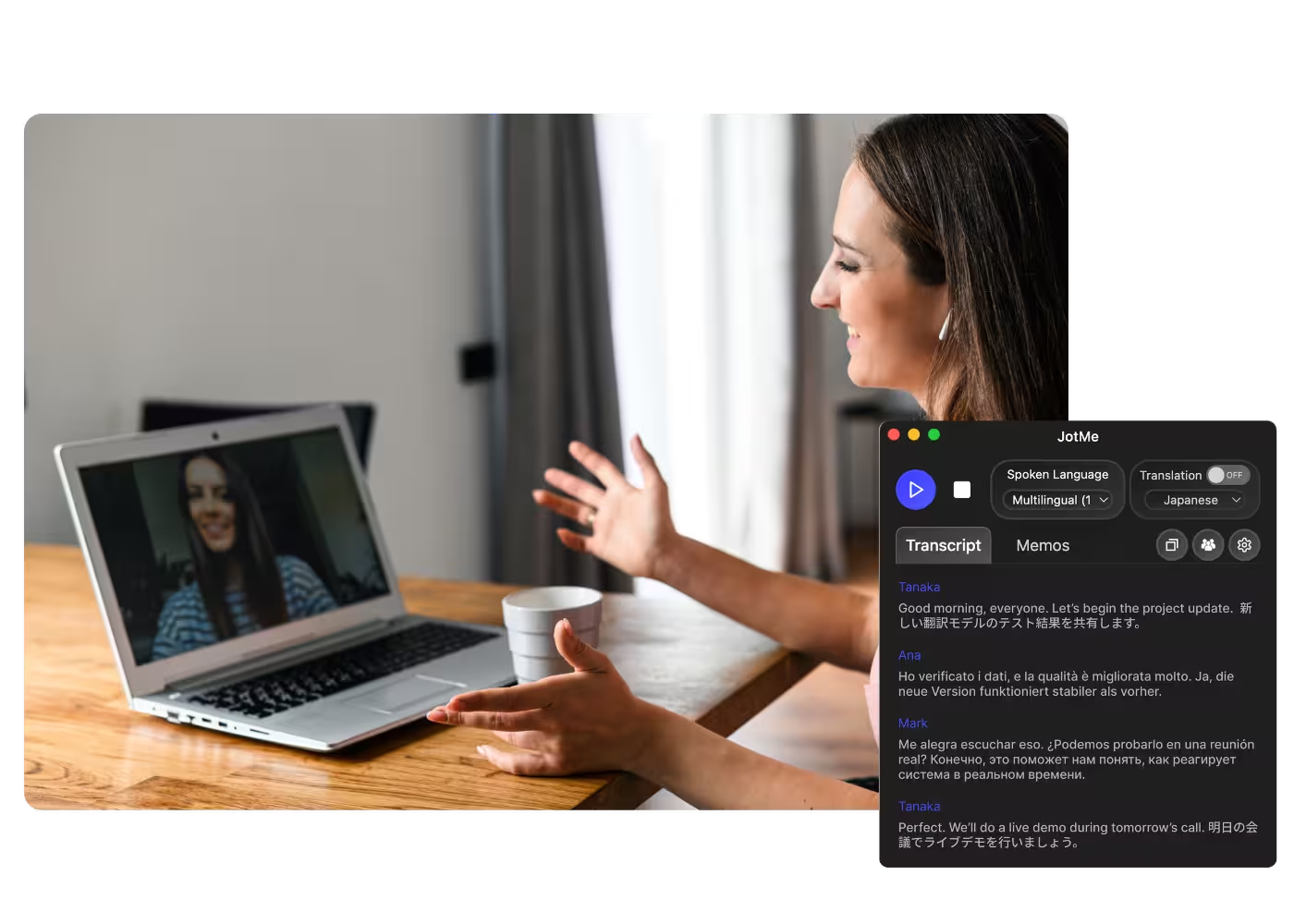
Xem thực tế
Xem JotMe dịch một cuộc gọi Signal trực tiếp, với độ chính xác theo ngữ cảnh từ câu đầu tiên đến câu cuối cùng.
Hơn 500.000 chuyên gia ổ chức cuộc họp và sự kiện với JotMe
Xem cách người dùng dùng JotMe để lấp đầy khoảng trống trong vận hành đa ngôn ngữ.







Các câu hỏi thường gặp
Mọi thông tin bạn cần biết để tổ chức các cuộc họp và sự kiện với JotMe.
Bản thân Signal không có tính năng dịch. JotMe dịch cuộc gọi từ phía bạn: hãy thực hiện cuộc gọi trên Signal Desktop và đọc phụ đề trực tiếp chính xác bằng hơn 200 ngôn ngữ, hoặc nghe bản dịch bằng giọng đã nhân bản của chính bạn.
Không. JotMe thu âm cục bộ ngay trên máy tính của bạn. Không có gì tham gia vào cuộc gọi, và mã hóa của Signal giữa bạn và người kia không bị đụng đến. AI của JotMe xử lý phần lời nói đã thu trên đám mây (cloud) để tạo ra bản dịch.
Có. Gói miễn phí của JotMe đã bao gồm số phút dịch trực tiếp, và không cần thẻ tín dụng. Nâng cấp khi bạn cần thêm phút.
JotMe dịch dựa trên hồ sơ của bạn, từ điển tùy chỉnh của bạn, chủ đề đang bàn và bộ nhớ liên tục về cuộc gọi cấp cho từng câu, nên độ chính xác tăng dần khi cuộc gọi tiếp diễn và tên riêng cùng thuật ngữ chuyên ngành được dịch đúng.
Có. JotMe lưu bản ghi và bản dịch vào bảng điều khiển của bạn, để bạn có thể xem lại, sao chép và chia sẻ sau cuộc họp.
Có. Hãy lưu tin nhắn thoại và tải lên Âm thanh sang Văn bản. JotMe sẽ chép lại thành văn bản và dịch bản ghi sang ngôn ngữ bạn chọn.
Dịch trực tiếp hiện được hiển thị dưới dạng phụ đề, và chế độ nhanh có thể đọc to bản dịch. Voice-to-voice bằng giọng đã nhân bản của chính bạn với mô hình AI dịch nhanh nhất.
Heading

Trò chuyện trên Signal bằng bất kỳ ngôn ngữ nào
Phụ đề trực tiếp chính xác và giọng nói của chính bạn trong các cuộc gọi Signal, bản ghi được lưu lại sau đó, trên hơn 200 ngôn ngữ. Không thêm gì vào bản thân cuộc gọi.