Ứng dụng desktop cho mọi cuộc gọi trên máy tính

Chuyển giọng nói thành văn bản đa ngôn ngữ, dịch giọng nói thời gian thực, ghi chú, tìm kiếm bằng AI, tóm tắt theo thời gian thực, từ vựng tùy biến, biên bản cuộc họp bằng AI, ghi âm và nhiều hơn nữa.

Ứng dụng di động cho hội thoại trực tiếp

Dịch giọng nói thời gian thực và tạo giọng nói bằng AI cho iPhone và Android.

Tiện ích mở rộng Chrome cho Google Meet

Chuyển giọng nói thành văn bản theo thời gian thực, dịch giọng nói thời gian thực, ghi chú, biên bản cuộc họp bằng AI.
Thêm vào
Chrome
Có thể dùng thử nhanh

Phiên âm tiếng Thái (Thái Lan) của Google Meet

Phiên âm tiếng Thái (Thái Lan) Google Meet trong thời gian thực với tiện ích mở rộng phiên âm JotMe

Google Meet Translation
Users from

Phiên âm thời gian thực được hỗ trợ bởi AI bằng tiếng Thái (Thái Lan) trên Google Meet

Struggling to capture key points during fast-paced Thai (Thailand) meetings? Having trouble understanding certain Thai (Thailand) terms before the conversation moves on? JotMe's audio to text feature allows you to effortlessly capture every word and instantly look up unfamiliar Thai (Thailand) terms. Whether you’re reviewing past Thai (Thailand) discussions or clarifying new information, JotMe has you covered. Stay on top of every detail – sign up for free today, no credit card required!

Cách thêm tiện ích mở rộng phiên âm JotMe cho Google Meet bằng tiếng Thái (Thái Lan)

In 3 easy steps!

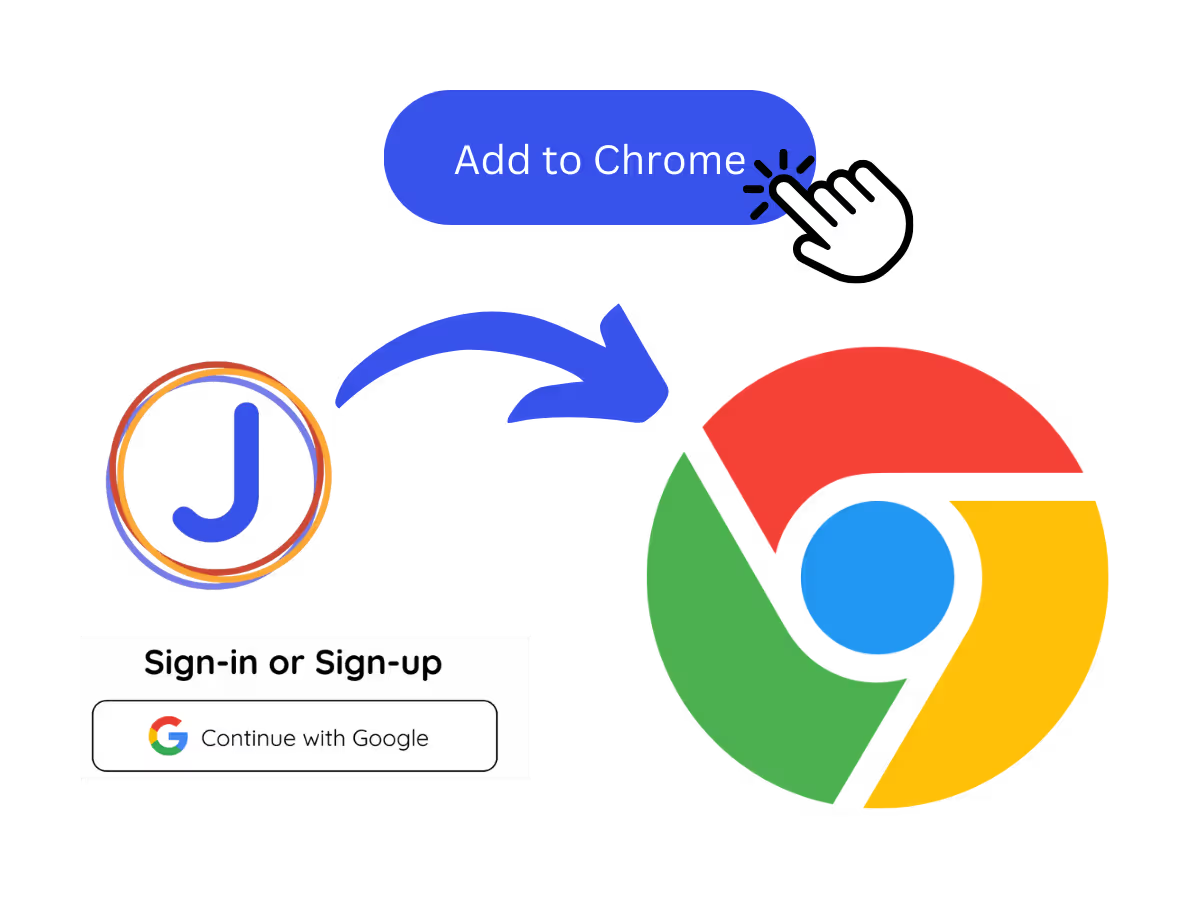
Add JotMe to Chrome and Sign Up

1. Thêm JotMe vào Chrome và Đăng ký

Install the JotMe transcription extension for Google Meet. Setup takes less than 30 seconds!

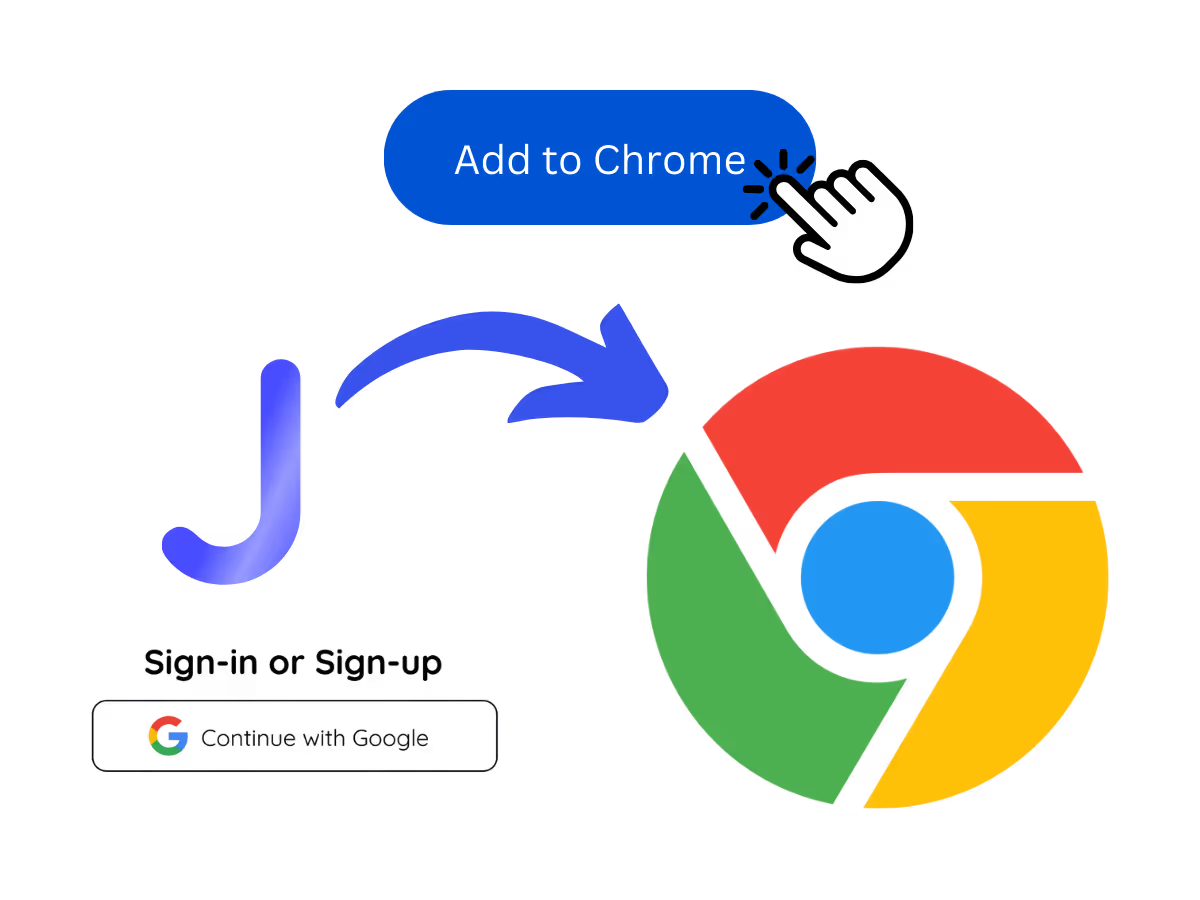
Start your meetings on Google Meet

2. Bắt đầu cuộc họp của bạn trên Google Meet

Go to Google Meet to begin your meetings and experience JotMe’s AI-powered speech-to-text feature.

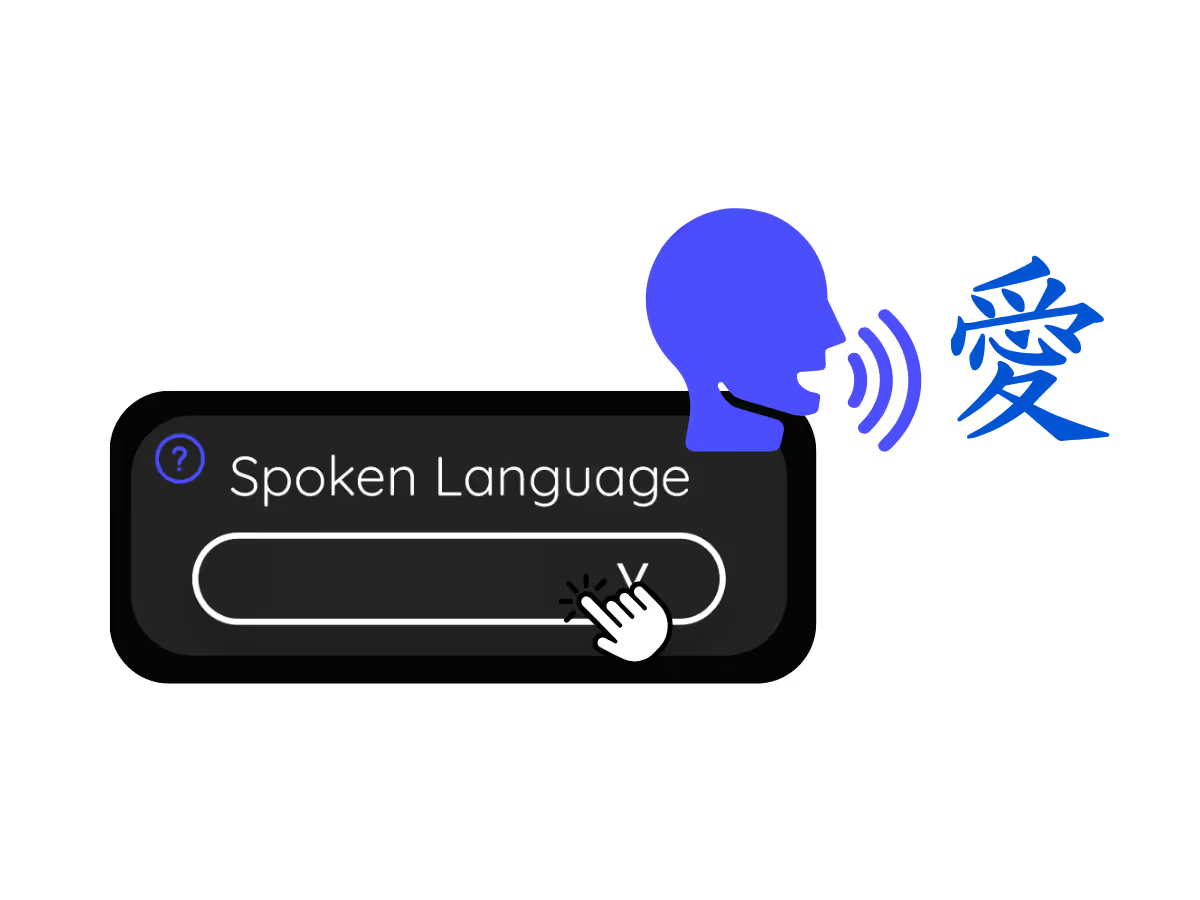
Set Your "Spoken Language"

3. Đặt “Ngôn ngữ nói” của bạn

Choose the language spoken during the meeting. For instance, if you're transcribing an Thai (Thailand) meeting, set the language to Thai (Thailand).

See It in Action!

Tại sao chuyển âm thanh Google Meet tiếng Thái (Thái Lan) thành văn bản?

Các cuộc trò chuyện về Never Miss Thai (Thái Lan)

Keep track of every discussion point with our real-time Thai (Thailand) transcription. No more getting lost in important Thai (Thailand) conversations.

A woman is working effectively
People are having meetings

Tìm kiếm ngay từ đã nói tiếng Thái (Thái Lan)

Communicate effortlessly without language barriers. Search for meanings of unfamiliar Thai (Thailand) terms instantly.

Thảo luận về Store your Thai (Thailand)

Avoid disputes over what was said during Thai (Thailand) meetings. JotMe saves your Thai (Thailand) speech to text transcripts, accessible anytime on the JotMe dashboard.

A group a having a discussion and speech is transcribed

Frequently Asked
Questions

Phiên âm Google Meet Thái Lan (Thái Lan) có miễn phí không?

keyboard_arrow_down

Yes, it is!

Làm cách nào để thêm tiện ích mở rộng phiên âm tiếng Thái (Thái Lan) cho Google Meet?

keyboard_arrow_down

Install the JotMe Chrome extension, set your transcribing language to Thai (Thailand), and get real-time Thai (Thailand) speech-to-text transcription on Google Meet.

Làm cách nào để tìm kiếm các từ được nói tiếng Thái (Thái Lan) trong các cuộc họp trên Google Meet?

keyboard_arrow_down

View Thai (Thailand) transcriptions as captions during meetings. Highlight the Thai (Thailand) text, right-click, and select “Search Google for” to find meanings.

Làm cách nào để tìm kiếm các từ được nói tiếng Thái (Thái Lan) trong các cuộc họp trên Google Meet?

keyboard_arrow_down

Yes, real-time Thai (Thailand) transcriptions are saved on the JotMe dashboard. You can view, copy, and even translate transcripts for documentation in your preferred tool.

Ngôn ngữ nào được hỗ trợ cho phiên âm Google Meet ngoài tiếng Thái (Thái Lan)?

keyboard_arrow_down

We support 77 available languages - English, Japanese, Chinese, Korean, Spanish, Portuguese, French, German, Swedish, Finnish, Arabic, Hindi, Urdu, Turkish, Norwegian, Italian, Burmese, Russian, Filipino, Swahili, Hungarian and more.

NHIỀU HƠN CẢ PHIÊN ÂM GOOGLE MEET

JotMe not only provides real-time Google Meet transcription but also offers translation and post-meeting tools. Explore our comprehensive suite of multilingual AI tools—from AI translation to AI meeting notes. Automate your speech-to-text transcription and focus on more impactful tasks, such as decision-making and tackling action items effectively.

Translate, transcribe, and summarize Google Meet

Phiên âm tiếng Thái (Thái Lan) của Google Meet

Phiên âm tiếng Thái (Thái Lan) Google Meet trong thời gian thực với tiện ích mở rộng phiên âm JotMe

Được 1.700 đội nhóm và 100.000 chuyên gia tại 134 quốc gia tin dùng

Được đánh giá 4.7/5
Tuân thủ GDPR
SOC 2 Loại II (Đang tiến hành)

Phiên âm thời gian thực được hỗ trợ bởi AI bằng tiếng Thái (Thái Lan) trên Google Meet

Struggling to capture key points during fast-paced Thai (Thailand) meetings? Having trouble understanding certain Thai (Thailand) terms before the conversation moves on? JotMe's audio to text feature allows you to effortlessly capture every word and instantly look up unfamiliar Thai (Thailand) terms. Whether you’re reviewing past Thai (Thailand) discussions or clarifying new information, JotMe has you covered. Stay on top of every detail – sign up for free today, no credit card required!

Cách thêm tiện ích mở rộng phiên âm JotMe cho Google Meet bằng tiếng Thái (Thái Lan)

Chỉ với 3 bước đơn giản!

BƯỚC 1

1. Thêm JotMe vào Chrome và Đăng ký

Install the JotMe transcription extension for Google Meet. Setup takes less than 30 seconds!
BƯỚC 2

2. Bắt đầu cuộc họp của bạn trên Google Meet

Go to Google Meet to begin your meetings and experience JotMe’s AI-powered speech-to-text feature.
BƯỚC 3

3. Đặt “Ngôn ngữ nói” của bạn

Choose the language spoken during the meeting. For instance, if you're transcribing an Thai (Thailand) meeting, set the language to Thai (Thailand).
Xem ngay!

Tại sao chuyển âm thanh Google Meet tiếng Thái (Thái Lan) thành văn bản?

A woman is working effectively

Các cuộc trò chuyện về Never Miss Thai (Thái Lan)

Keep track of every discussion point with our real-time Thai (Thailand) transcription. No more getting lost in important Thai (Thailand) conversations.

Track Conversations in Real-Time

Tìm kiếm ngay từ đã nói tiếng Thái (Thái Lan)

Communicate effortlessly without language barriers. Search for meanings of unfamiliar Thai (Thailand) terms instantly.

A group a having a discussion and speech is transcribed

Thảo luận về Store your Thai (Thailand)

Avoid disputes over what was said during Thai (Thailand) meetings. JotMe saves your Thai (Thailand) speech to text transcripts, accessible anytime on the JotMe dashboard.

Các câu hỏi thường gặp

Mọi điều bạn cần biết về việc tổ chức các cuộc họp và sự kiện với JotMe.

Phiên âm Google Meet Thái Lan (Thái Lan) có miễn phí không?

Yes, it is!

Làm cách nào để thêm tiện ích mở rộng phiên âm tiếng Thái (Thái Lan) cho Google Meet?

Install the JotMe Chrome extension, set your transcribing language to Thai (Thailand), and get real-time Thai (Thailand) speech-to-text transcription on Google Meet.

Làm cách nào để tìm kiếm các từ được nói tiếng Thái (Thái Lan) trong các cuộc họp trên Google Meet?

View Thai (Thailand) transcriptions as captions during meetings. Highlight the Thai (Thailand) text, right-click, and select “Search Google for” to find meanings.

Tôi có thể lưu và lưu trữ nội dung phiên âm tiếng Thái (Thái Lan) không?

Yes, real-time Thai (Thailand) transcriptions are saved on the JotMe dashboard. You can view, copy, and even translate transcripts for documentation in your preferred tool.

Ngôn ngữ nào được hỗ trợ cho phiên âm Google Meet ngoài tiếng Thái (Thái Lan)?

We support 77 available languages - English, Japanese, Chinese, Korean, Spanish, Portuguese, French, German, Swedish, Finnish, Arabic, Hindi, Urdu, Turkish, Norwegian, Italian, Burmese, Russian, Filipino, Swahili, Hungarian and more.

NHIỀU HƠN CẢ PHIÊN ÂM GOOGLE MEET

JotMe not only provides real-time Google Meet transcription but also offers translation and post-meeting tools. Explore our comprehensive suite of multilingual AI tools—from AI translation to AI meeting notes. Automate your speech-to-text transcription and focus on more impactful tasks, such as decision-making and tackling action items effectively.

Translate, transcribe, and summarize Google Meet

Vận hành mọi cuộc họp và sự kiện đa ngôn ngữ thật trôi chảy

Chuyển giọng nói thành văn bản, phiên dịch, dịch và biến mọi cuộc trò chuyện quan trọng thành insight có ngữ cảnh để mọi người luôn đồng bộ giữa các ngôn ngữ.