Tài nguyên
What Is Clawdbot? A Practical Guide to Running Your Own Always-On AI Assistant

Taka Shirasu
January 27, 2026
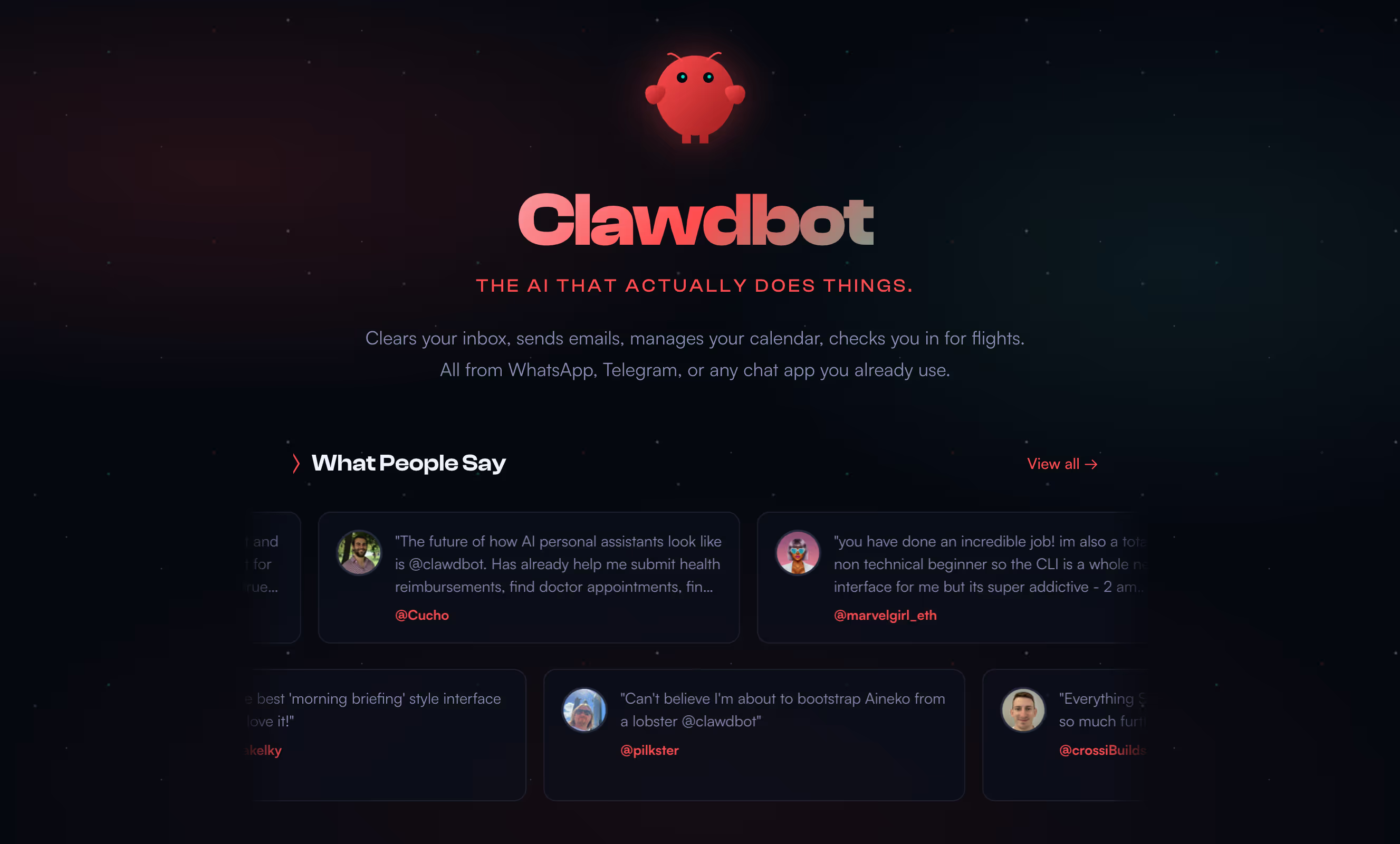
AI tools like Claude Code and ChatGPT have made it easier than ever to think, write, and code with AI. But there’s a limitation most people eventually hit:
When you close your laptop, your AI disappears.
That’s where Clawdbot comes in.
In this article, we’ll explain what Clawdbot is, how it works, and why more builders and operators are moving from “chat-based AI” to always-on personal AI systems.
What Is Clawdbot?
Clawdbot is a personal AI assistant that you run yourself.
Instead of living inside a browser tab or a hosted UI, Clawdbot runs as a local or server-based gateway that stays online 24/7 and responds through the tools you already use:
- Telegram
- Slack
- Discord
- Google Chat
- WebChat
- macOS / iOS / Android nodes
At its core, Clawdbot is not a chatbot.
It’s a control plane for AI agents.
How Clawdbot Is Different From Claude Code or ChatGPT
A common question is:
“Is Clawdbot just Claude Code running forever?”
Short answer: no.
Here’s the key difference:
Claude Code / ChatGPT
- Interactive clients
- Session-based
- Require you to be present
- No persistence when closed
- No ownership of runtime
Clawdbot
- Always-on gateway (daemon or server)
- Event-driven (messages, cron jobs, webhooks)
- Owns sessions, tools, and memory
- Calls AI models only when needed
- Keeps running even when your laptop is off
Clawdbot doesn’t “run Claude.”
It calls Claude (or OpenAI models) on demand.
The persistence comes from the gateway, not the model.
How Clawdbot Works (Simple Architecture)
At a high level:
- Gateway runs 24/7
On your Mac, Linux server, or cloud VM (like EC2) - Messages or events arrive
Slack, Telegram, cron jobs, webhooks, etc. - Agent runtime decides what to do
Which tools to use, which model to call - Model API is called
Claude, OpenAI, or other providers - Response is delivered back
To chat, UI, or another system
The AI model itself is never “active.”
Clawdbot is.
Running Clawdbot on a Virtual Machine (EC2, GCP, etc.)
One of Clawdbot’s biggest advantages is that it works extremely well on servers.
If you run Clawdbot on an EC2 instance:
- It stays online 24/7
- Your laptop can be completely off
- You interact through messaging apps or web UI
- API costs are usage-based, not idle-based
This setup is ideal for:
- Founders
- Solo operators
- Distributed teams
- Long-running research or monitoring tasks
Your laptop becomes a client, not the brain.
Why This Matters for Productivity
Most AI tools today are reactive:
- You ask
- It answers
- Session ends
Clawdbot enables ambient productivity:
- Always listening (safely)
- Always reachable
- Always ready to act
This is the same mental shift happening in modern work:
- From meetings → async
- From documents → live systems
- From tools → copilots
How This Relates to the Future of Work
At JotMe, we think a lot about reducing cognitive load.
Language barriers, context switching, note-taking, follow-ups — these are all symptoms of fragmented systems.
Clawdbot represents a different direction:
- Local-first
- User-controlled
- Context-aware
- Persistent
It’s not hard to imagine a future where:
- Your AI understands your work context
- Lives close to your data
- Speaks in the tools you already use
- Helps without needing constant prompts
That’s the same direction we believe productivity tools are heading.
Final Thoughts
Clawdbot isn’t for everyone.
But if you’ve ever thought:
- “I wish my AI didn’t disappear”
- “I want control over where my AI runs”
- “I want something closer to a real coworker”
Then Clawdbot is worth understanding.
It’s not just an AI interface.
It’s an AI system you own.
If you’re interested in how always-on AI assistants, multilingual workflows, and context-aware systems will shape the future of work, that’s exactly what we’re building at JotMe. Contact hey@jotme.io for more information!
Last updated on
April 16, 2026
Follow us on social media: